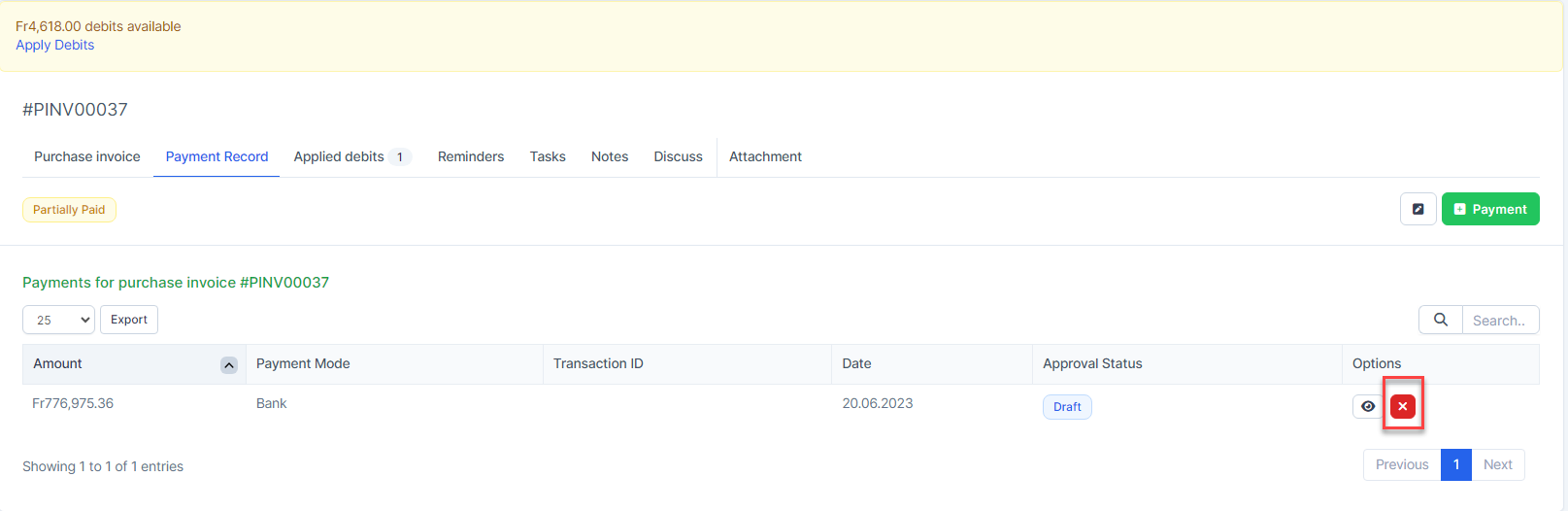
Applied debit
Used to reduce the payment amount of the invoice.
- ნაბიჯი 1. View unpaid or partially paid invoice details
- ნაბიჯი 2. Click Apply Debits
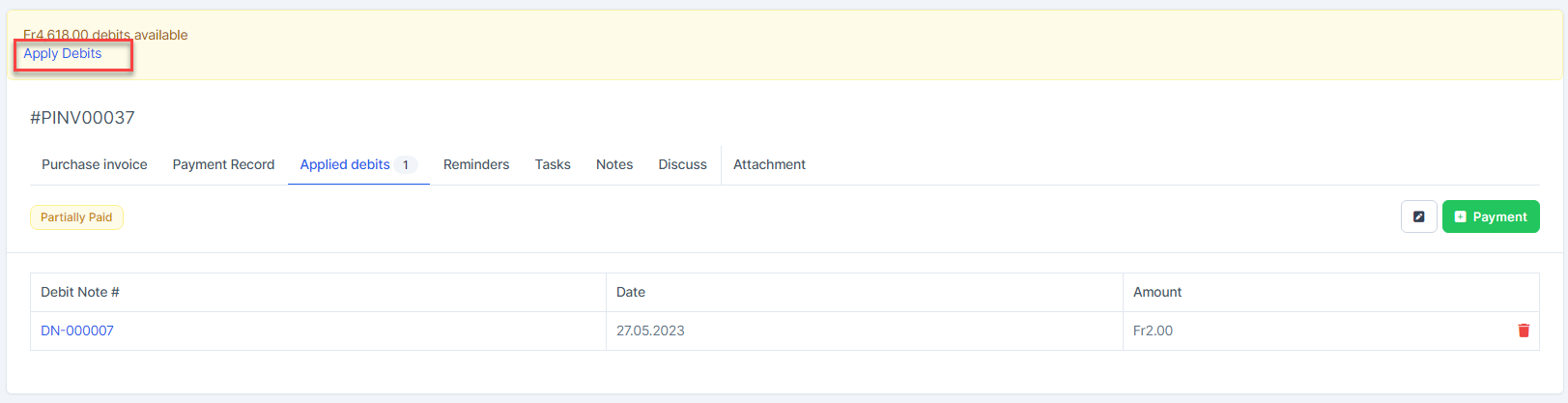 Debit available = total amount remaining of debit შენიშვნაs currently open. Debit available is calculated by vendor
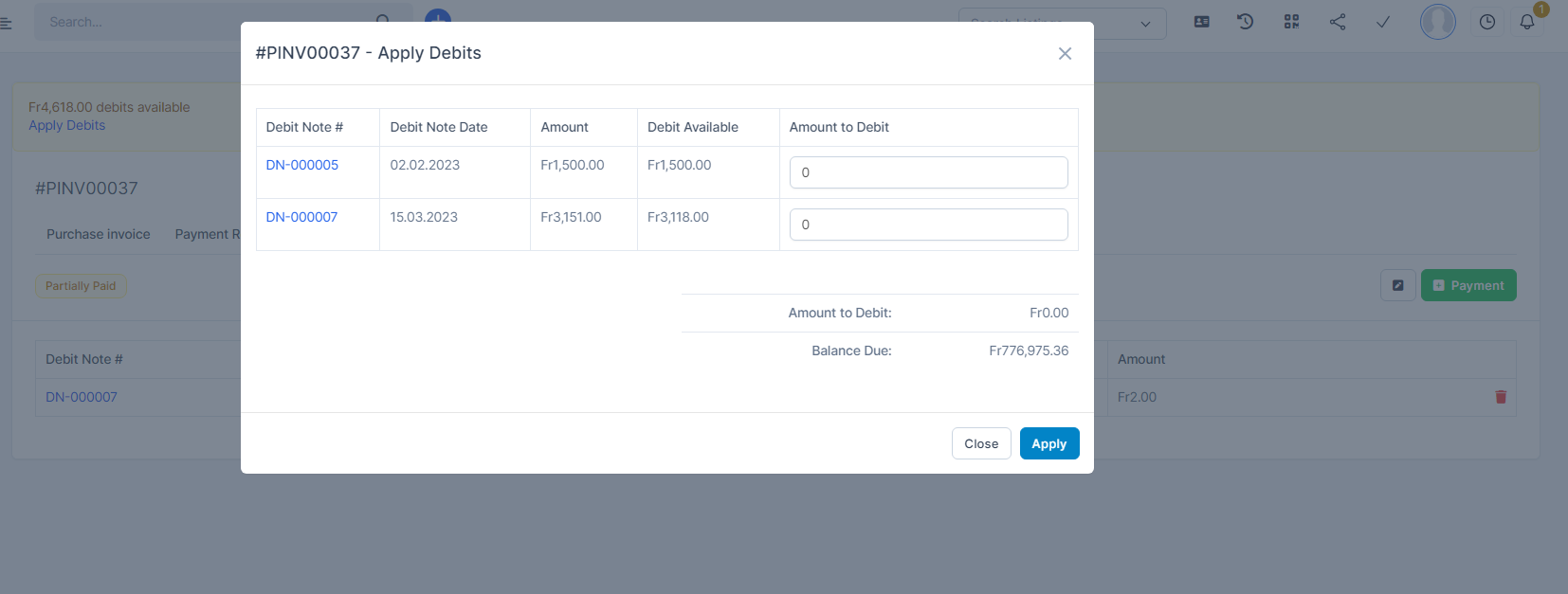
 - ნაბიჯი 3. Enter Amount to Debit and click Apply
Show only debit notes (Open status) belonging to the vendor of the invoice being viewed
წაშლა Applied debits
- Go to Applied debits tab -> click
 and confirm to delete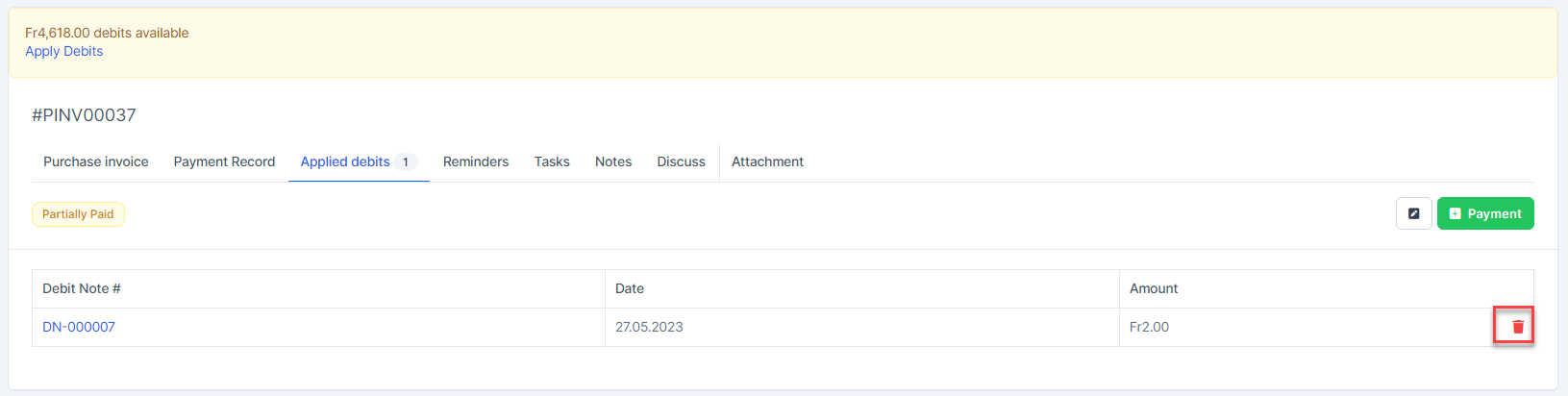
Payment Record
Allow partial payment or full payment of invoice value.
- ნაბიჯი 1. View Unpaid or Partially paid invoice detail
- ნაბიჯი 2. Click Payment button
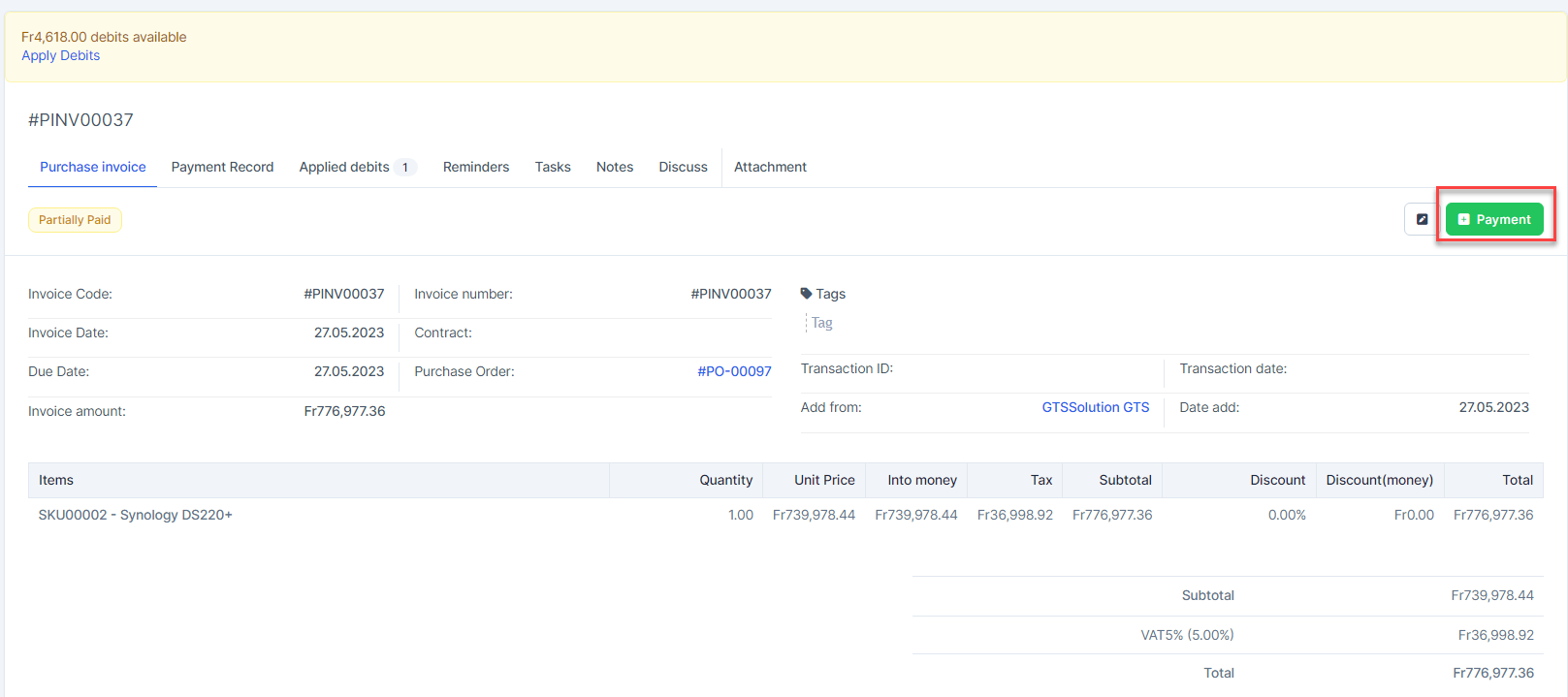
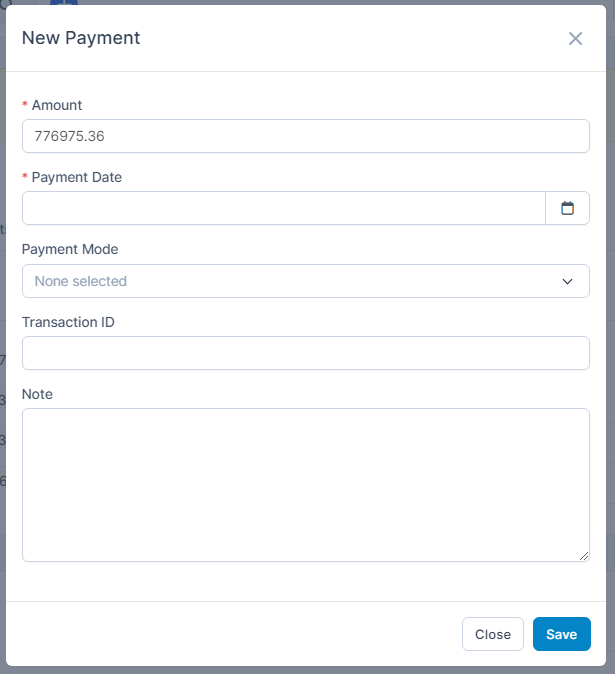
- ნაბიჯი 3. In the New Payment page, Enter the Amount, enter Payment Date, select Payment Mode and click შენახვა
- ნაბიჯი 4. დამტკიცება the payment if the Payment Request approval process has been set up in approval setting.
წაშლა Payment Record
- Go to Payment Record tab -> click
 and confirm to delete