Create მარშრუტი
The მარშრუტები menu is used to to specify instructions for production and register time spent on an operation. The მარშრუტები menu will be used for წარმოება order
To add a new routing to your organization:
- ნაბიჯი 1. Go to მარშრუტები menu under წარმოება module from the left sidebar.
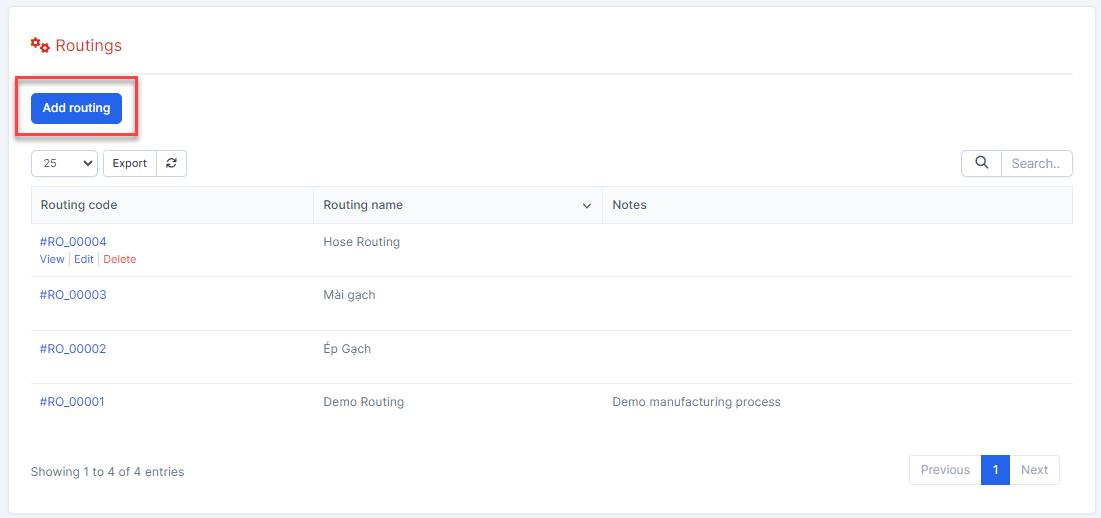
- ნაბიჯი 2. Click on the დამატება მარშრუტი button on the top.
- ნაბიჯი 3. In the დამატება routing popup, fill the following details:
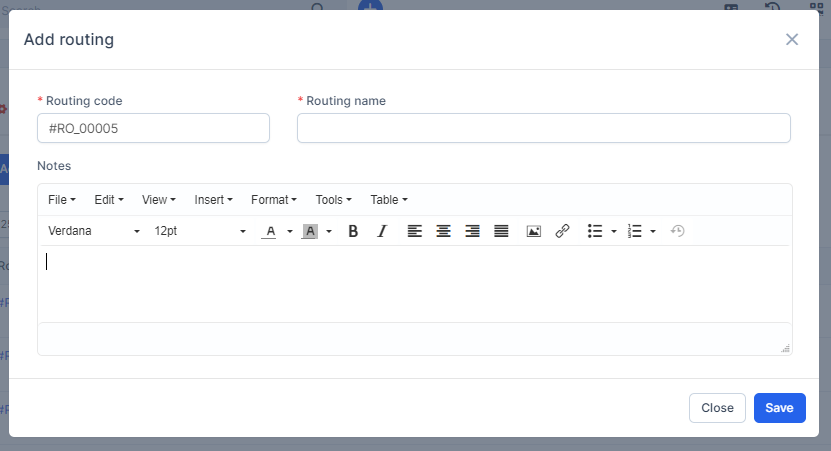 1. Enter the მარშრუტი name 2. Enter the შენიშვნაs
 - ნაბიჯი 4. Click on the შენახვა button
Set up operations
Each operation will become a work order
- ნაბიჯი 1. Go to routing detail
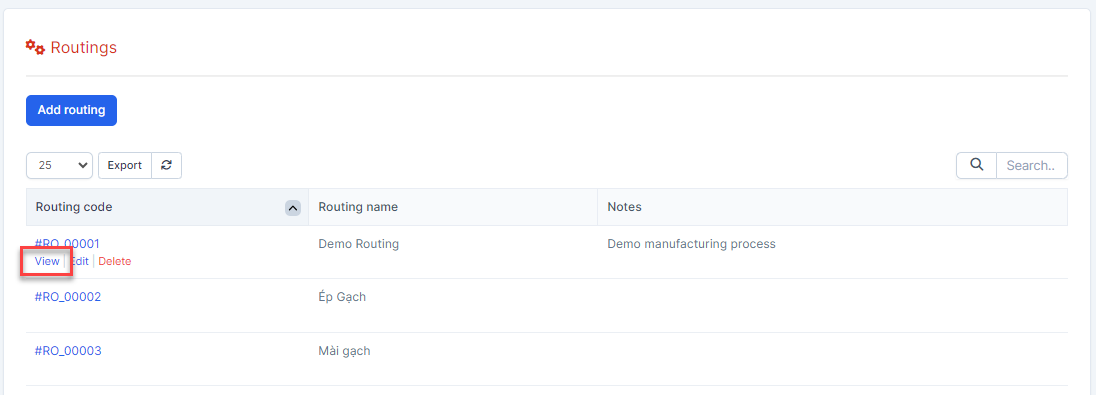
- ნაბიჯი 2. Click on the დამატება ოპერაცია button
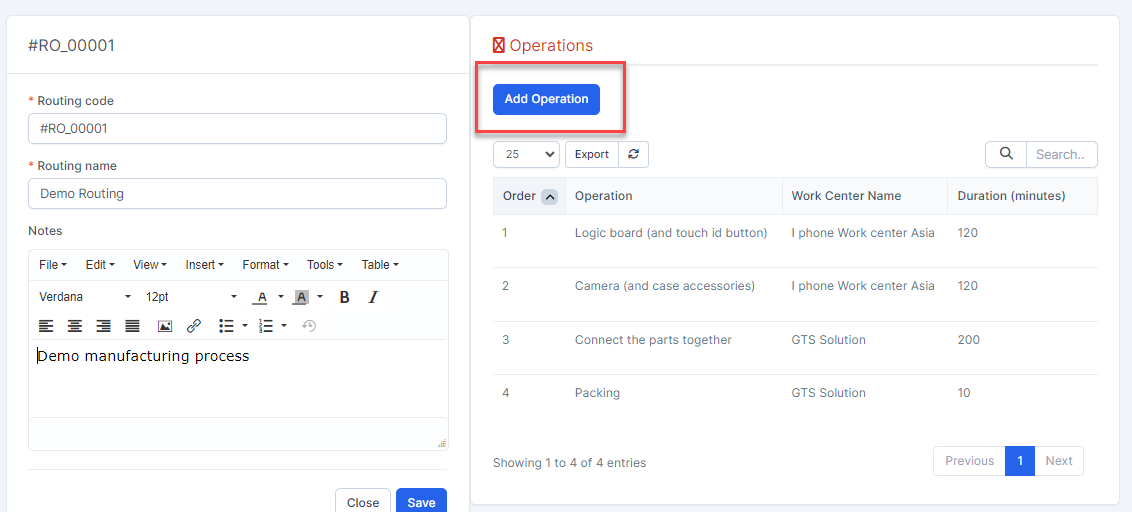
- ნაბიჯი 3. In the დამატება ოპერაცია popup, fill the following details:
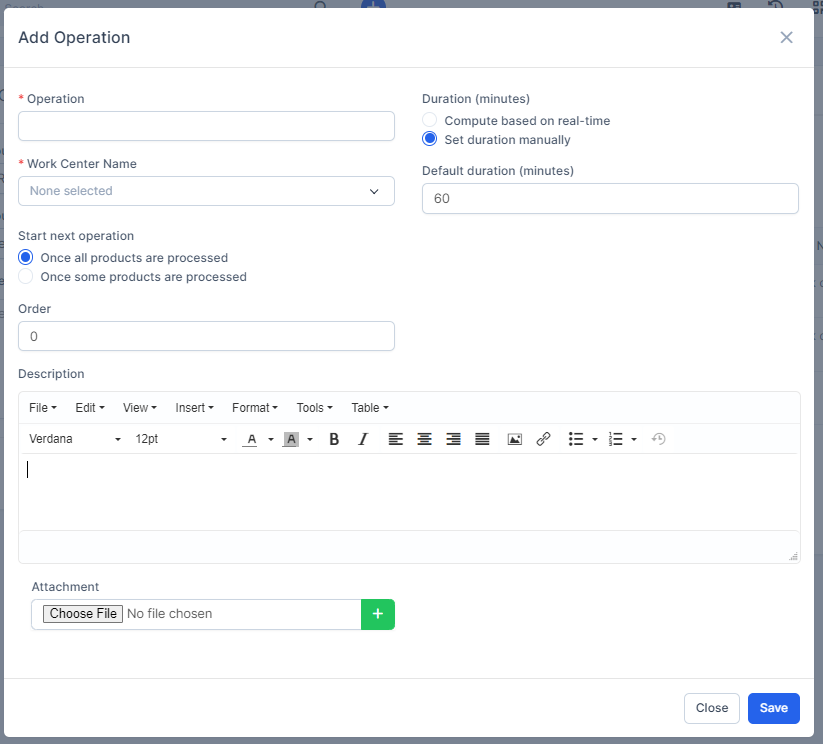 1. Enter the ოპერაცია 2. Select the სამუშაო ცენტრი სახელი 3. Select Duration (minutes): Computer based on real-time or Set duration manually. Currently, this field data is for storage only.4. Select the Start next operation. Currently, this field data is for storage only. 5. Enter the რიგითობა: order of this operation in routing6. Upload the attachment file. this file will be displayed at the Work instruction tab in the work order details
 - ნაბიჯი 4. Click on the შენახვა button