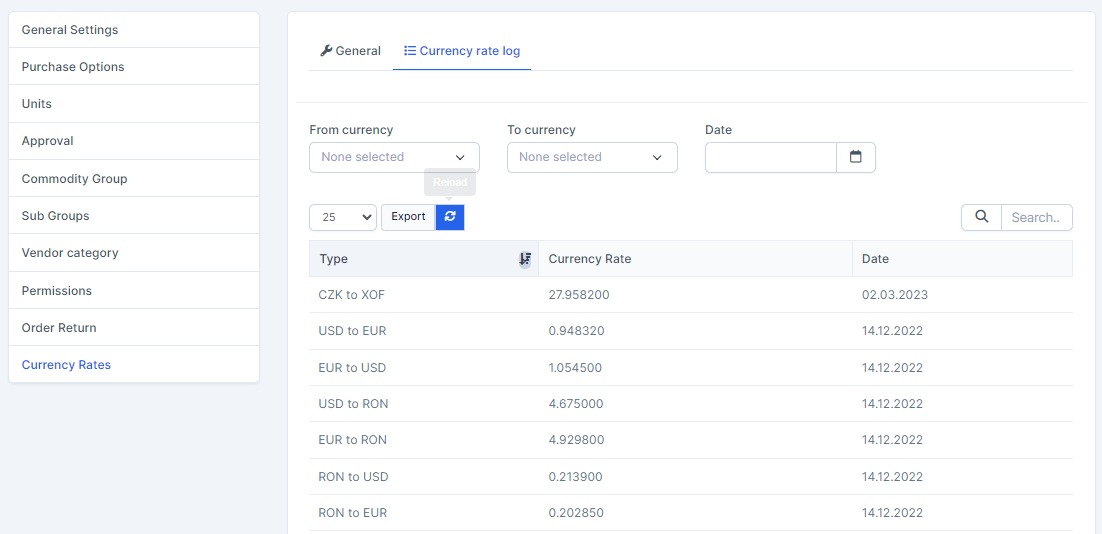
Used to get online currency rates and manage Currency rate log.
Go to პარამეტრები menu under შესყიდვები module from the left sidebar -> Select Currency Rates menu.
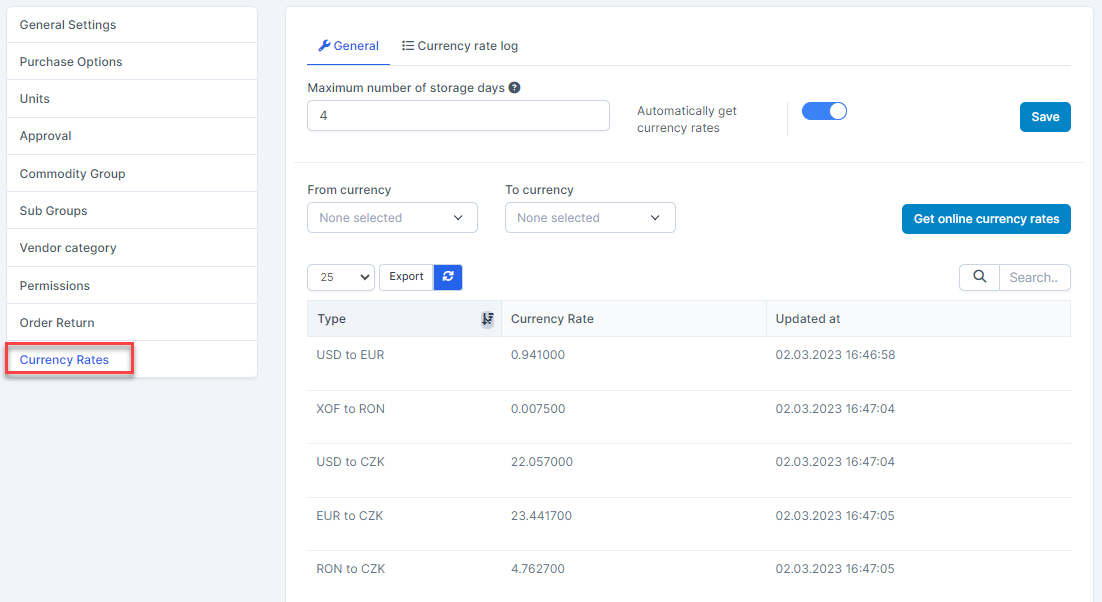
General tab
- Maximum number of storage days: the maximum number of days to store the currency exchange rate update log (ie, the currency rate log lines that are stored after X time will automatically be deleted at the beginning of the next day). In the case of value = 0, this function is disabled, meaning the currency conversion log is not automatically cleared
- Automatically get currency rates: used to automatically update the online currency rate at 6pm every day and log in the Currency Rate logs tab
- If this option is enabled: the currency rate is automatically updated at 18:00 every day
- If this option is disabled: currency rates are not automatically updated.
- Get Online currency rates: when this button is clicked, the new online currency rates are updated and logged in the Currency Rate logs tab. Currency rate taken from https://www.google.com/finance/quote/EUR-USD?sa=X&ved=2ahUKEwib6IW4z6iHAxXIrlYBHbusBVcQmY0JegQIARAs
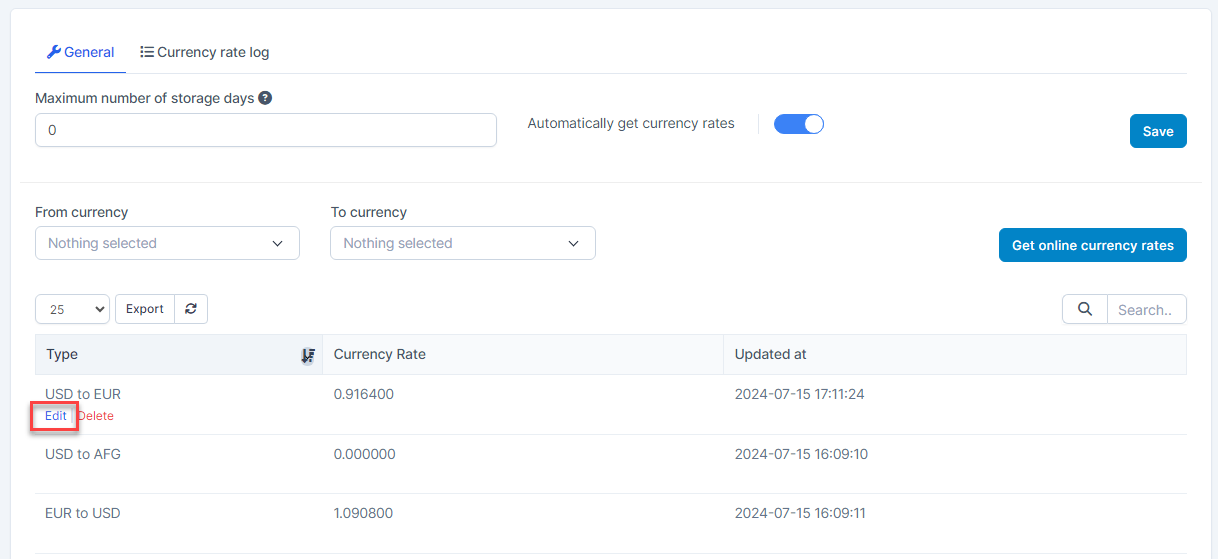
- You can edit the currency rate of each line by hovering over the line you want to edit and clicking რედაქტირება
 Enter currency rate manually or click Get online currency rates -> then click შენახვა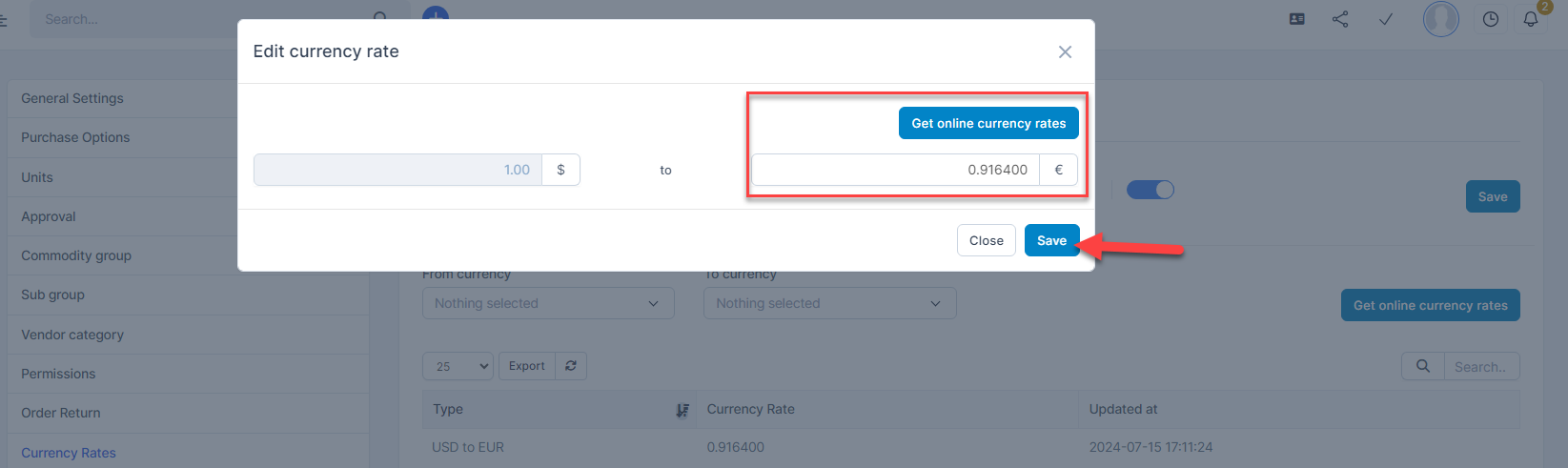
Currency Rate logs tab
Used to record currency exchange rate updates.