Create Invoice Debited
Debit შენიშვნა is only be applied to the invoice related to that vendor.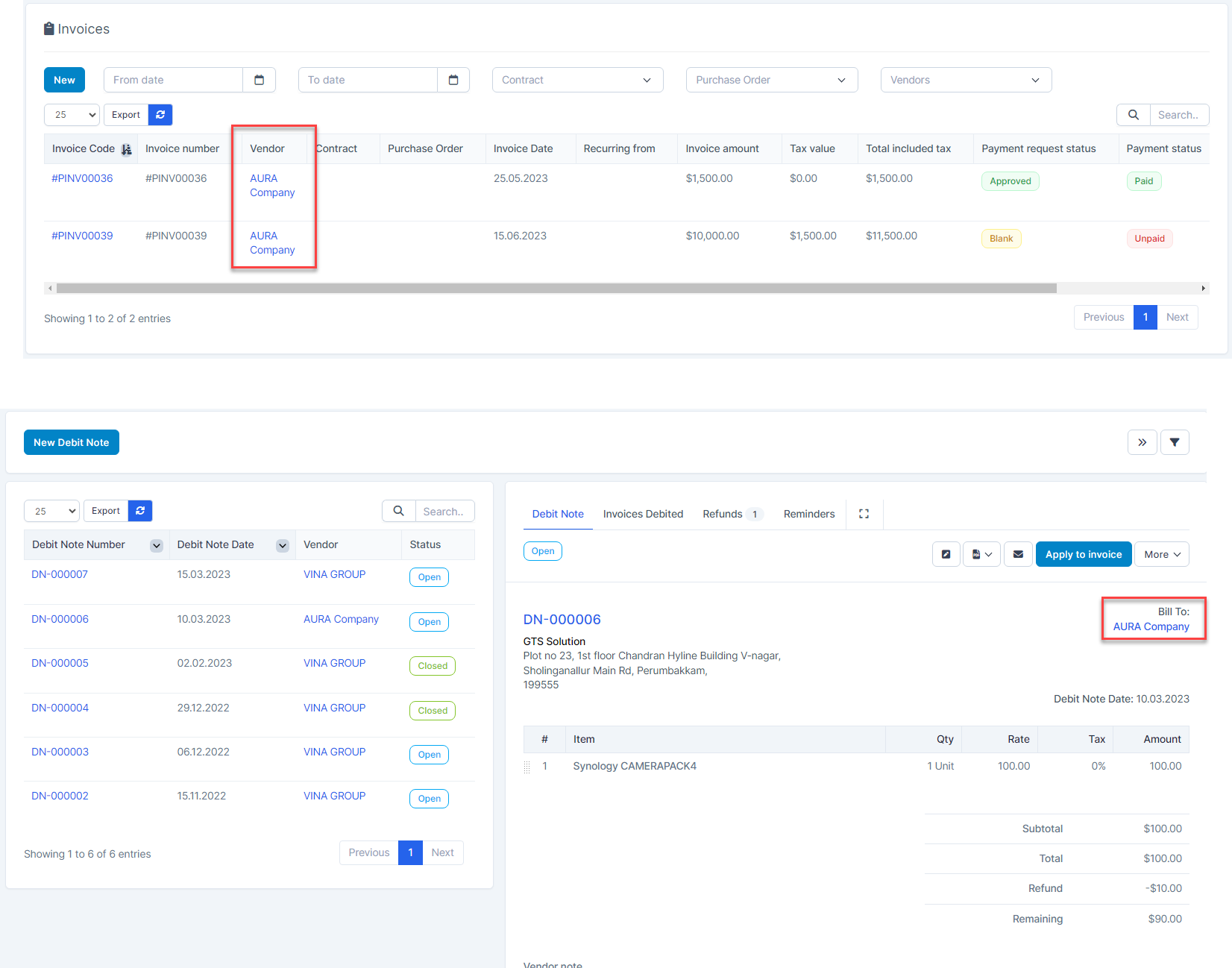
- ნაბიჯი 1. Hover over a Debit შენიშვნა -> click Debit შენიშვნა Number hyperlink
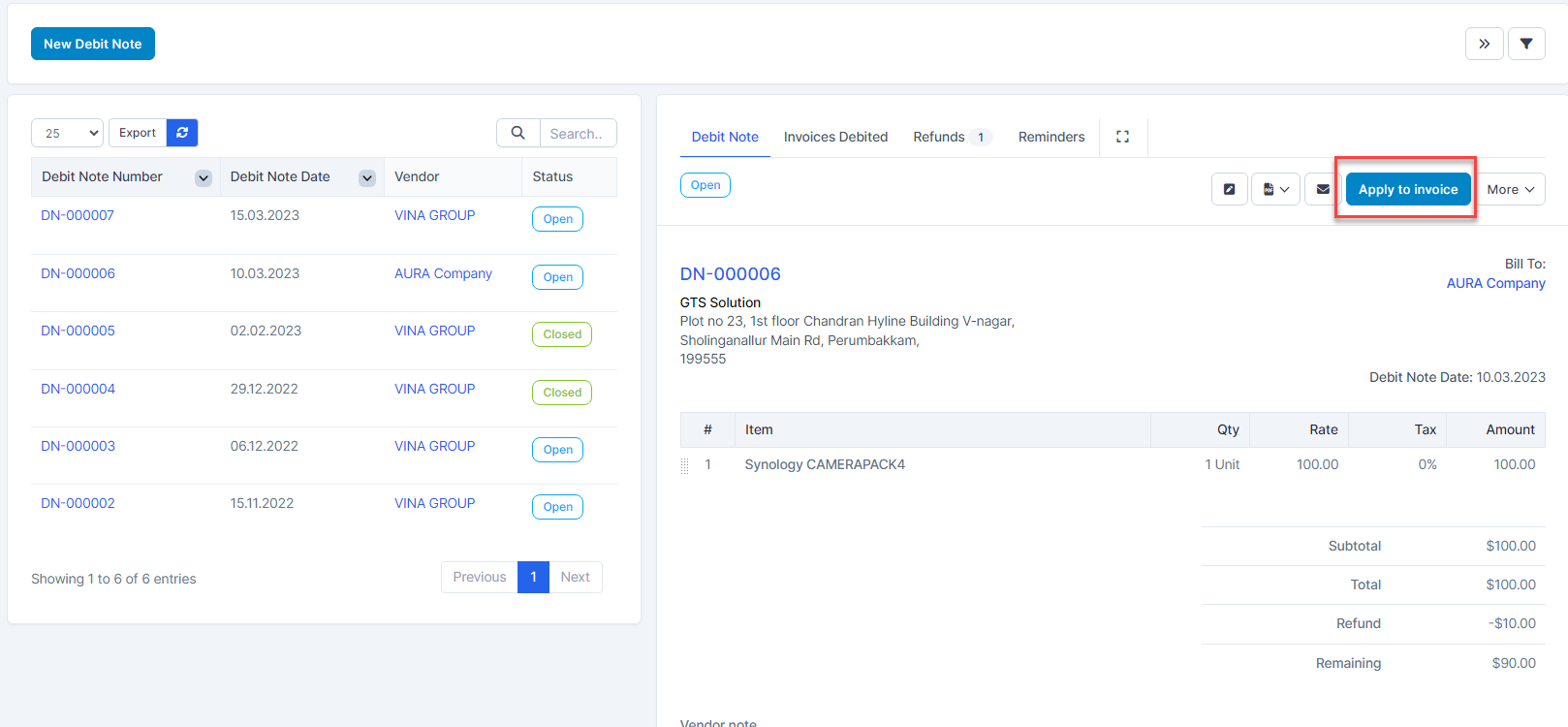
- Step 2: Click Apply to invoice
- ნაბიჯი 3. Enter amount to debit -> click Apply button
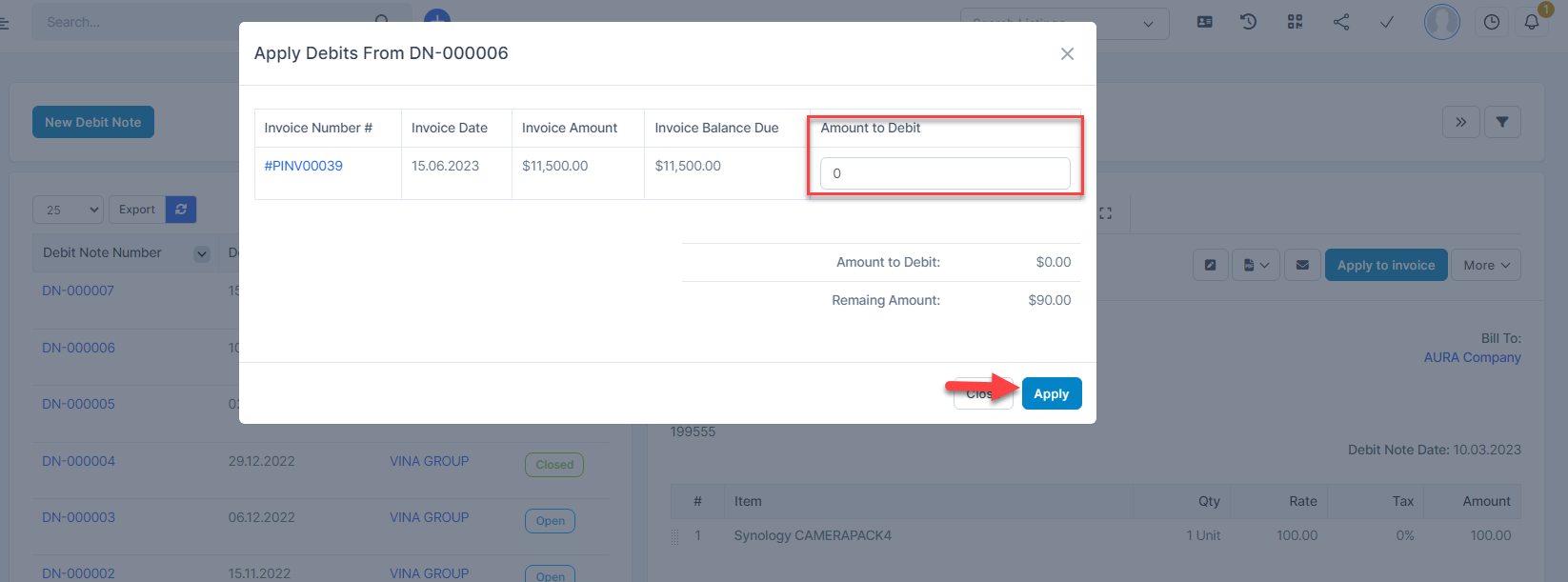 შენიშვნა: Amount to Debit must be less than or equal to Remaining debit.
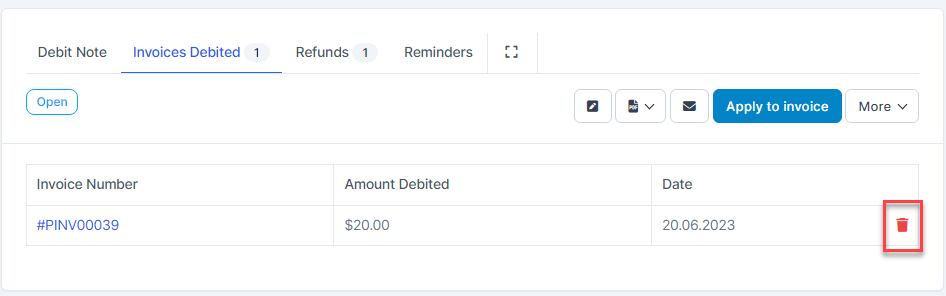
წაშლა Invoice Debited
- Go to Invoices Debited tab to delete