Create შესყიდვები Invoice
You can create შესყიდვები Invoice from შესყიდვები order, კონტრაქტი or available items.
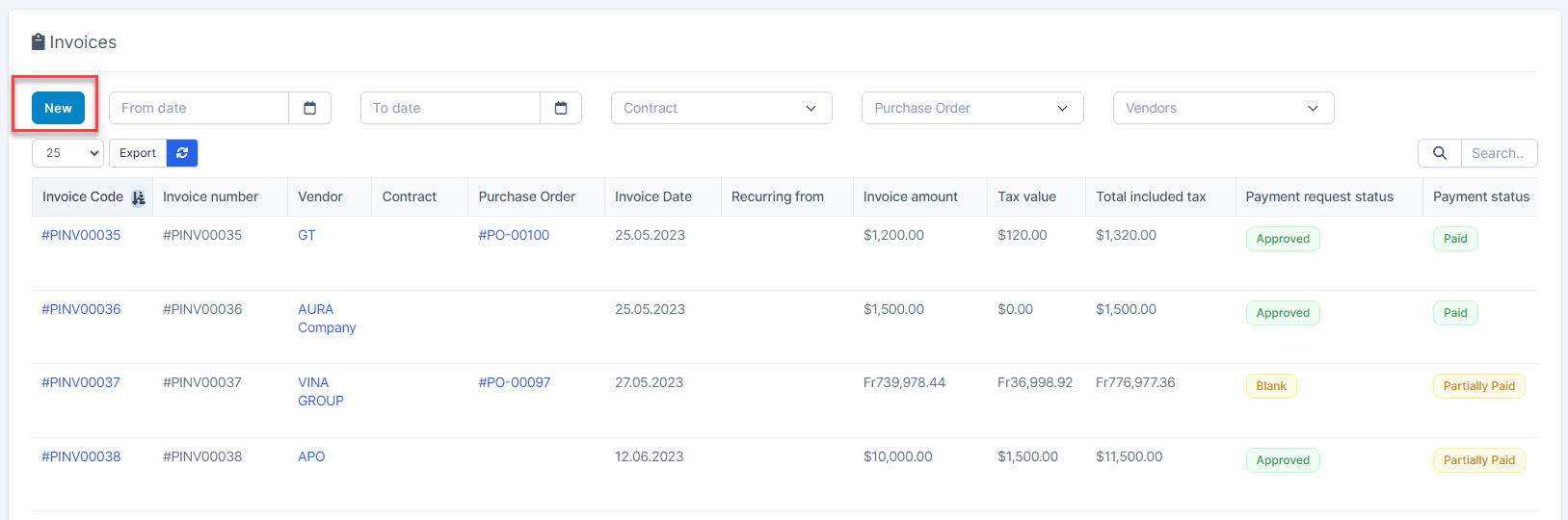
- ნაბიჯი 1. Go to Invoices menu under შესყიდვები module from the left sidebar -> Click New button
- ნაბიჯი 2. In the დამატება Invoice page, fill in the required details:
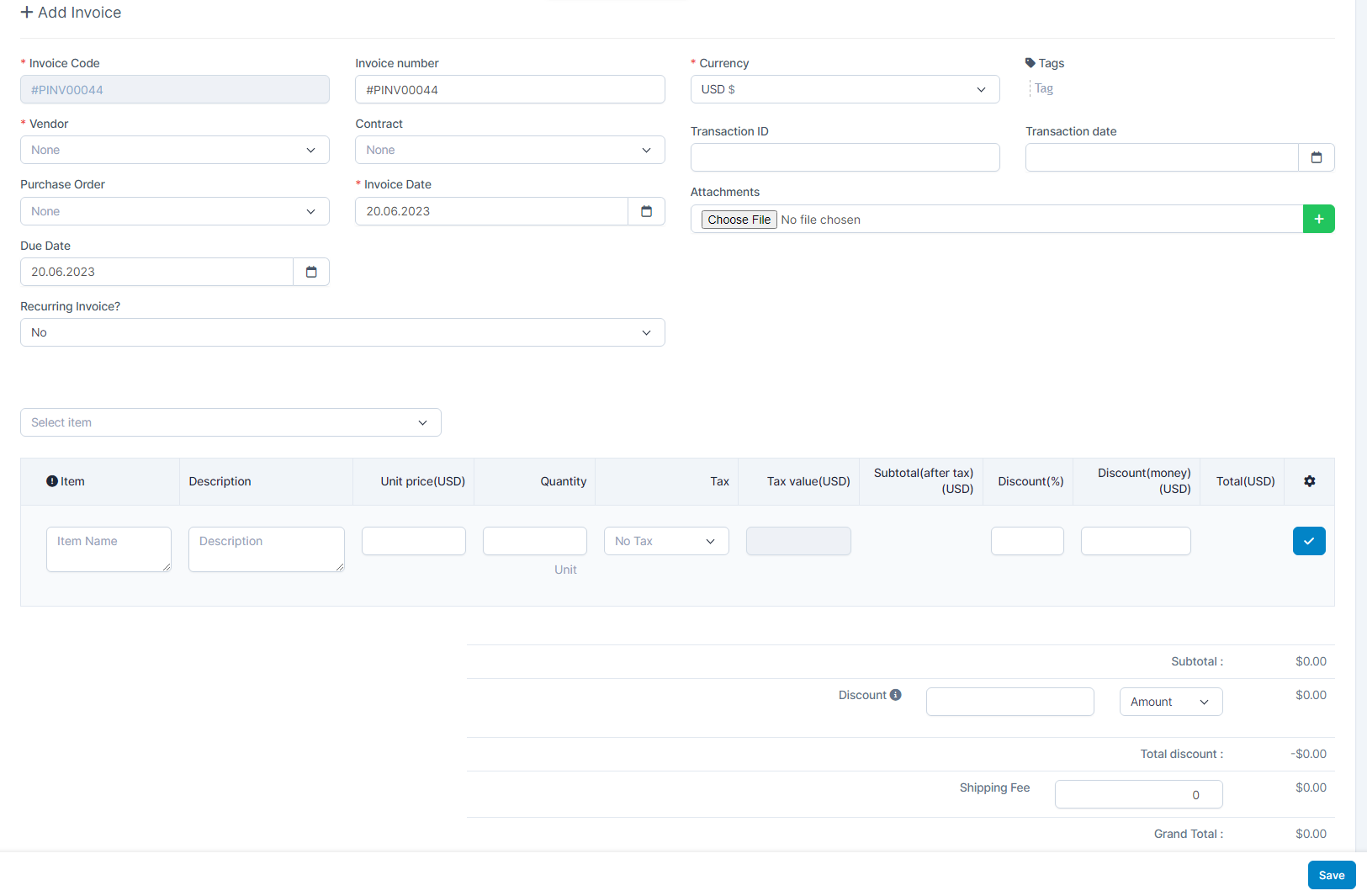 1. Select the მომწოდებელი 2. Select the კონტრაქტი: select a contract only when it has been created from a purchase order.
 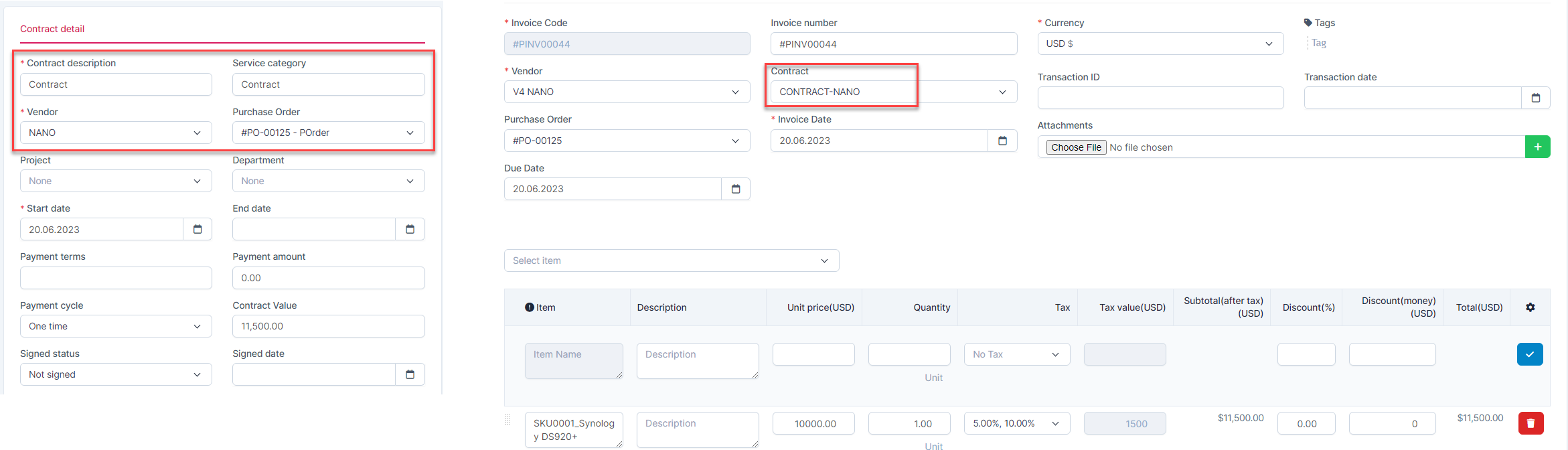 - Or you select the შესყიდვები რიგითობა
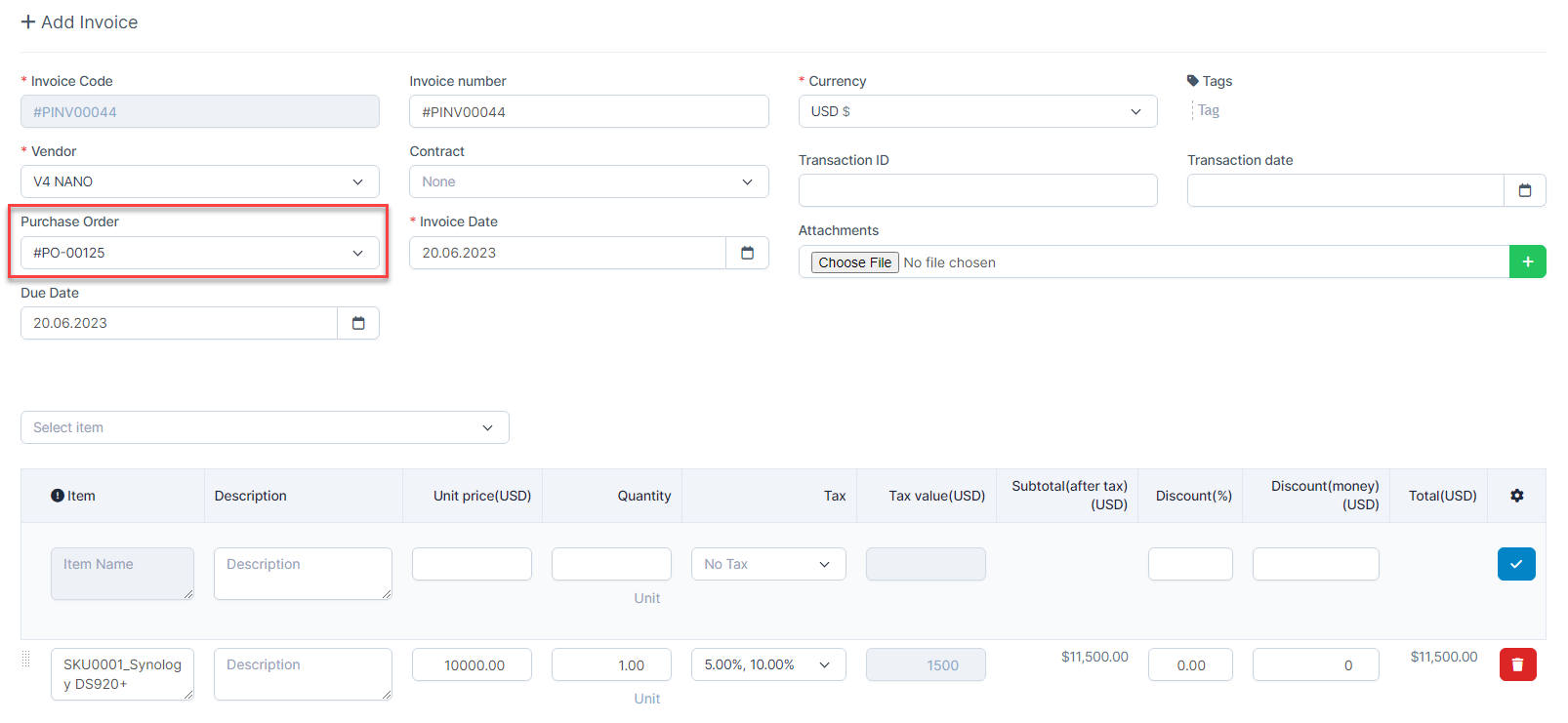 - Or you select the available item
 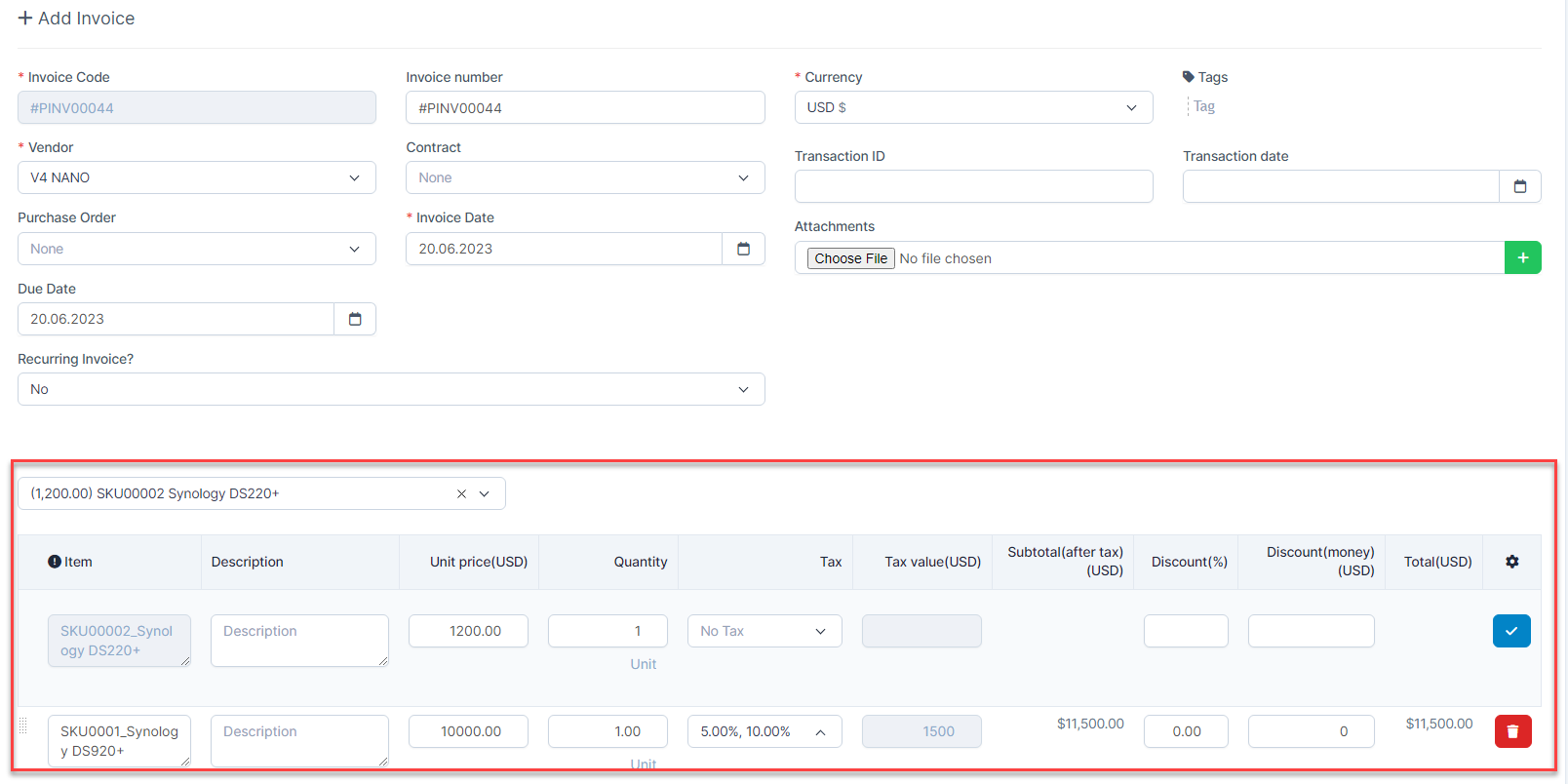 3. Enter the Invoice Date
 - Step 3. Click შენახვა button
რედაქტირება შესყიდვები Invoice
From the invoice management -> select the invoice to edit and click რედაქტირება 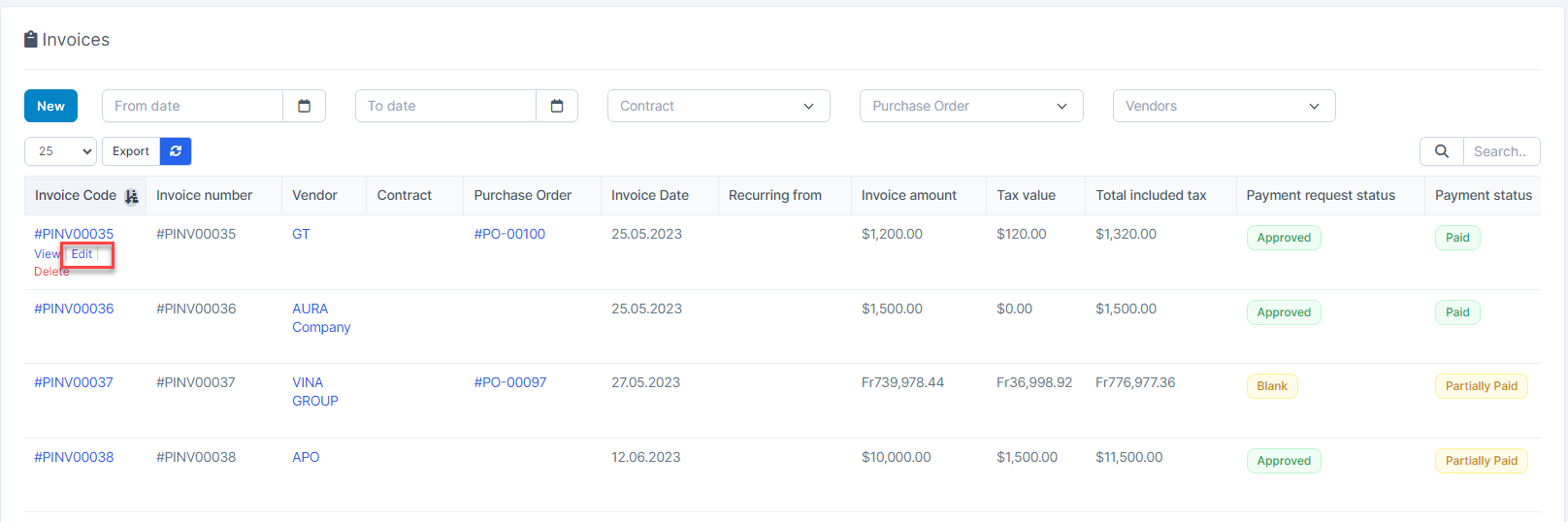
Or view invoice details -> click 
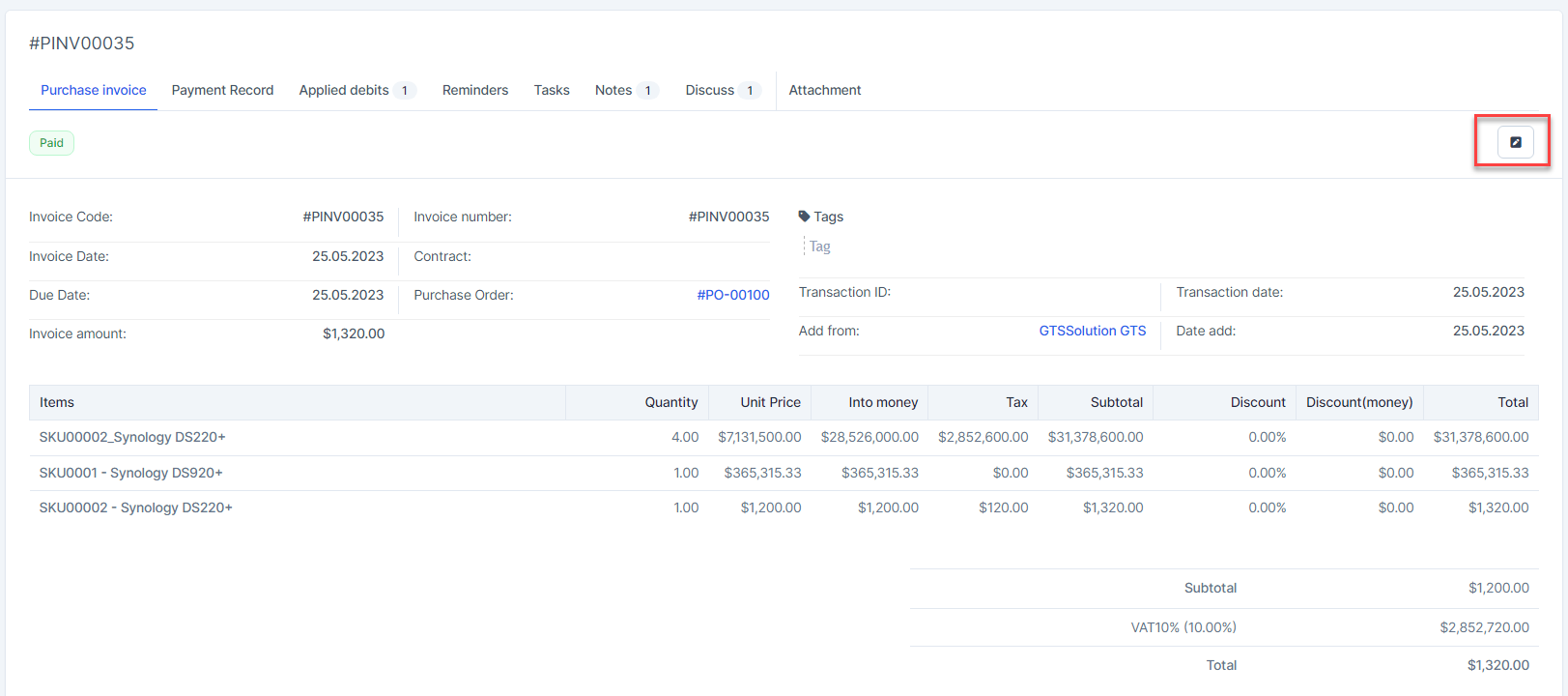
წაშლა შესყიდვები Invoice
When deleting the invoice, the applied debit is also deleted -> refund the applied amount to the corresponding Debit შენიშვნა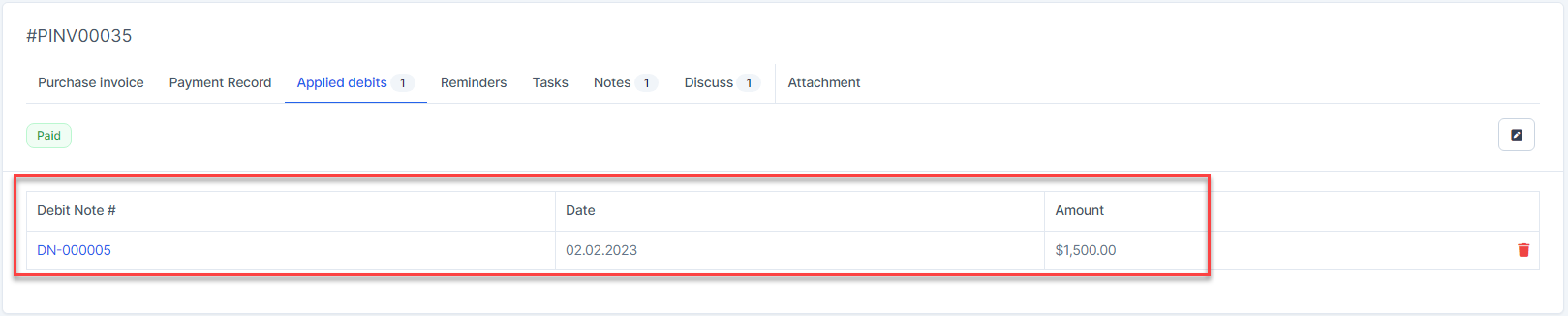
From the invoice management -> select the invoice to delete and click delete
