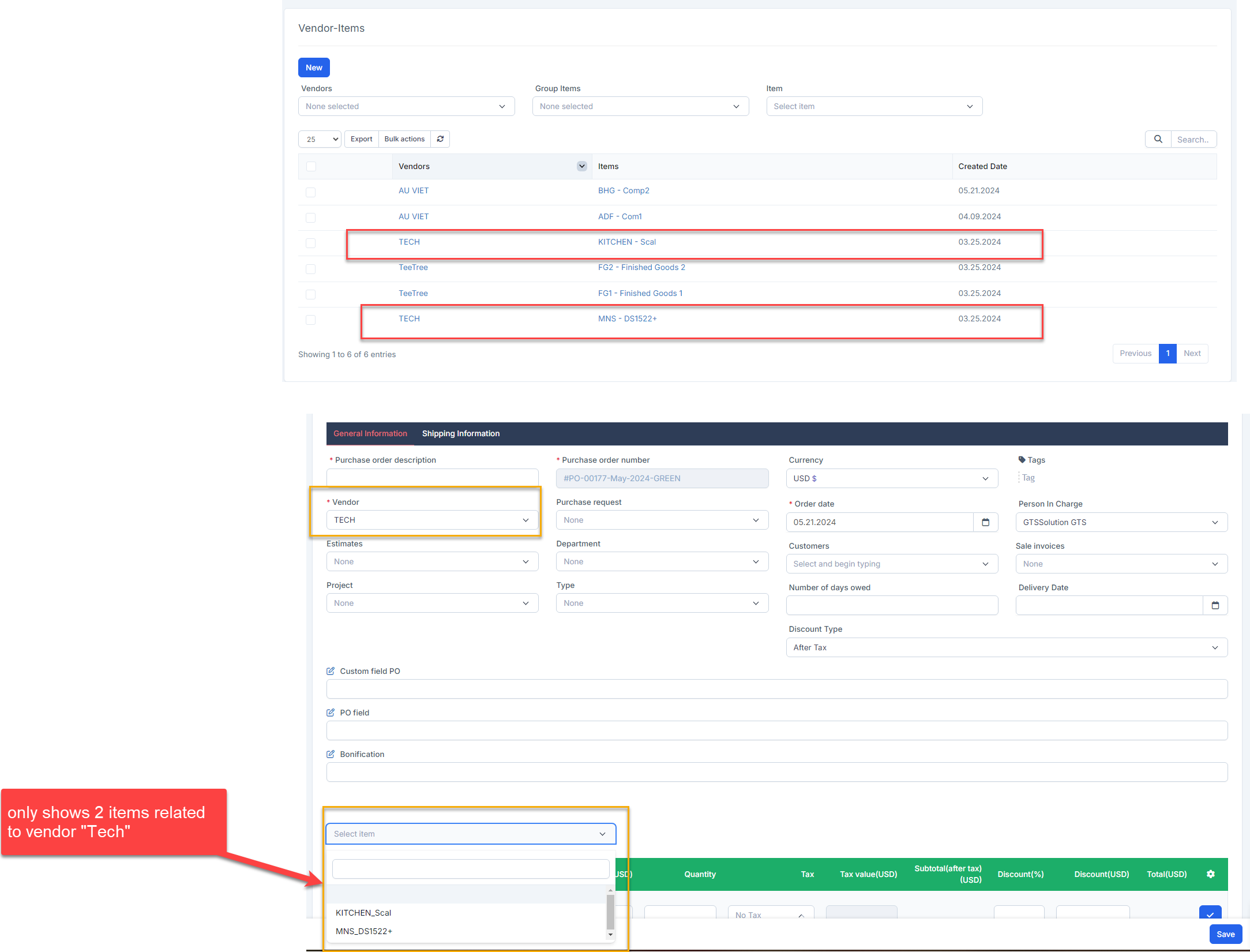
When creating Quotation, შესყიდვები order, Debit note and შესყიდვები Invoice transactions, if "Load items by vendor" option is enabled, the item is loaded according to the selected vendor.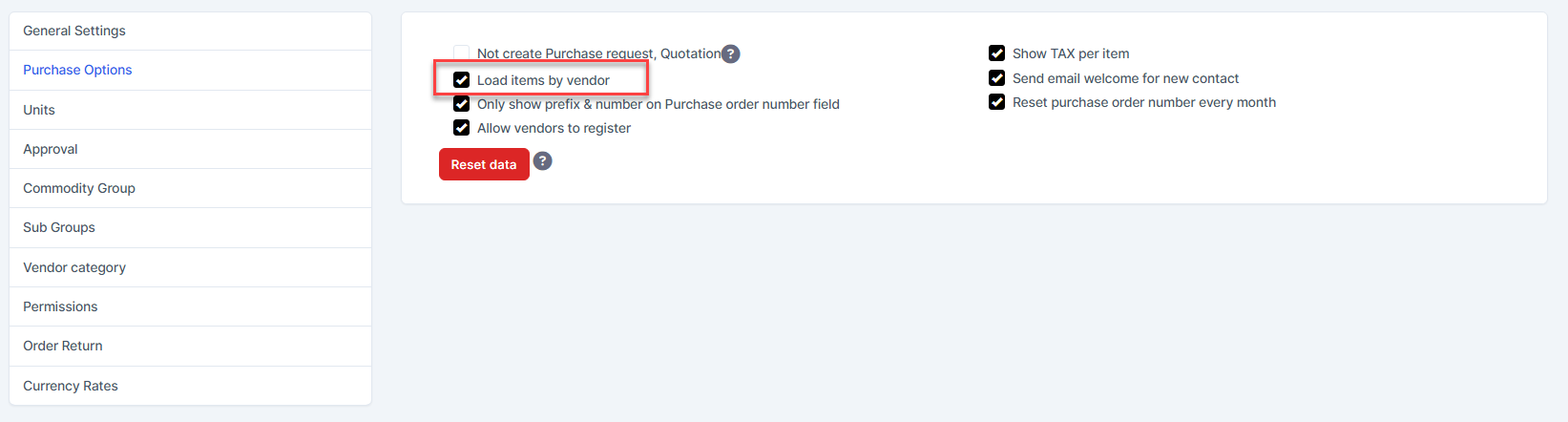
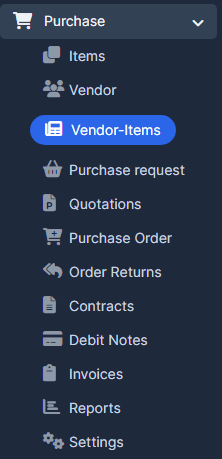
- ნაბიჯი 1. Go to the შესყიდვები module in the left sidebar and select მომწოდებელი-ნივთები menu
- ნაბიჯი 2. Click New button
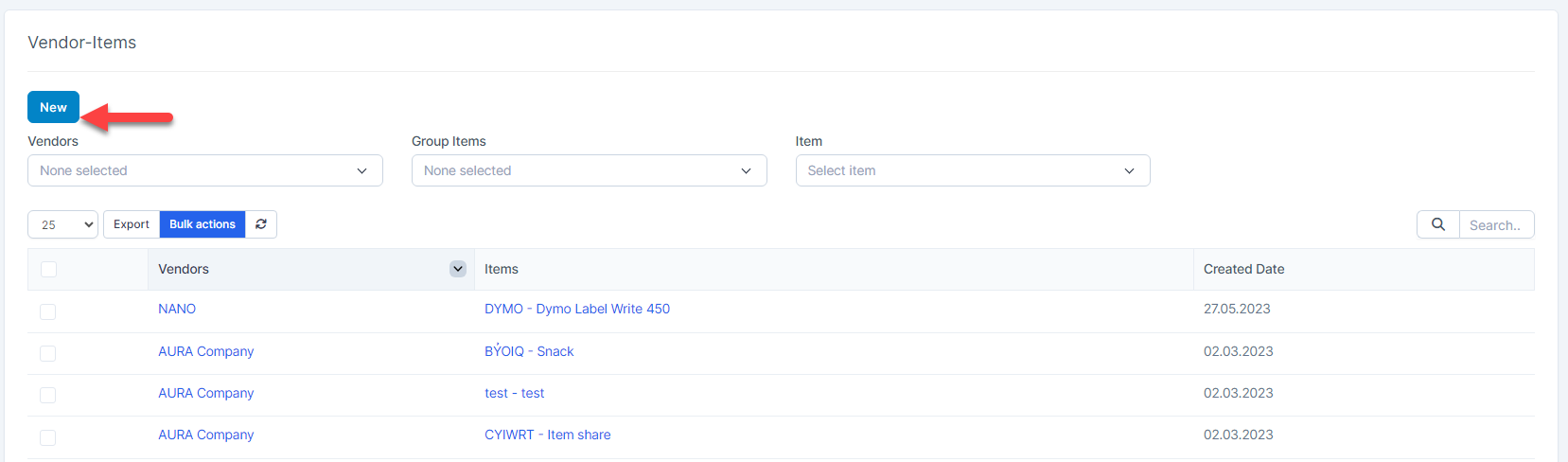
- ნაბიჯი 3. In the მომწოდებელი-ნივთები page, fill the following details:
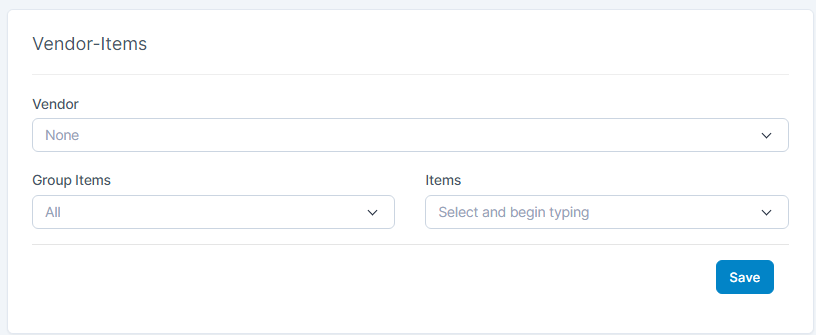 1. Select one or more vendors 2. Select the Group ნივთები and ნივთები
 - ნაბიჯი 4. Click შენახვა After successful saving, this item will be displayed in the corresponding vendor's Public items tab
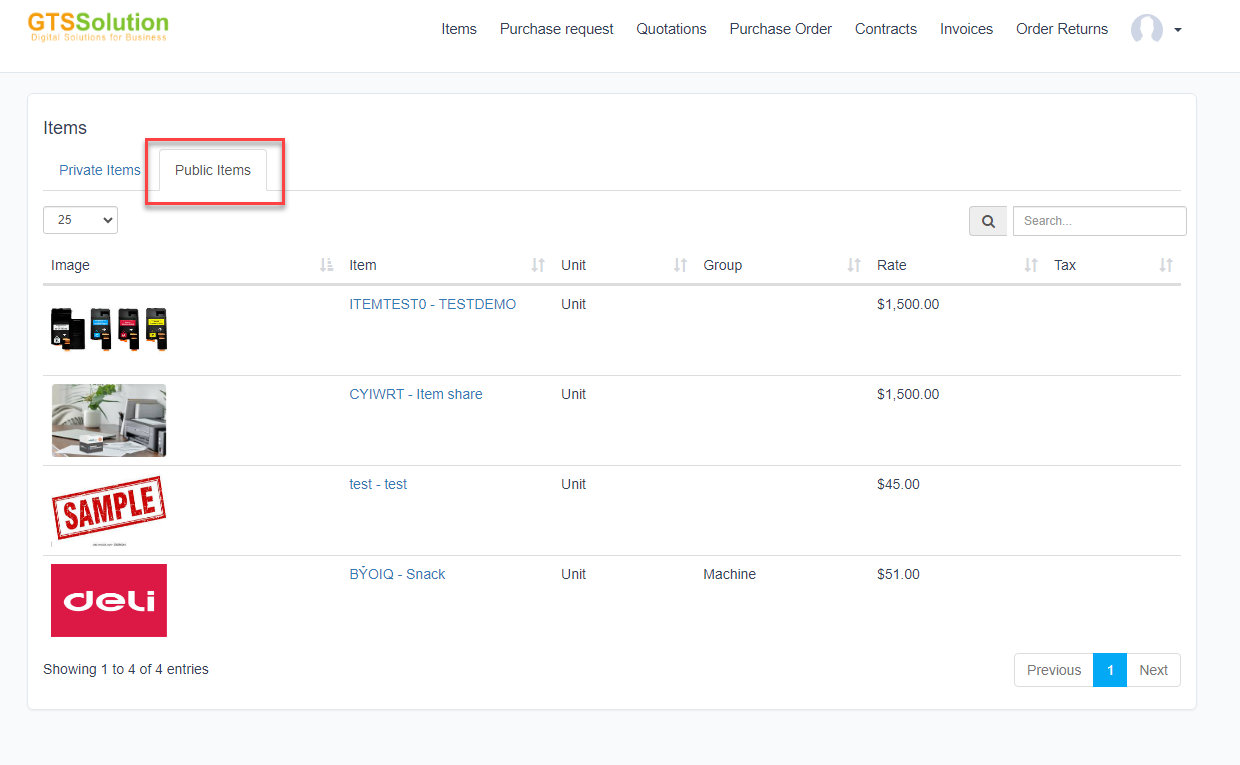 Example: