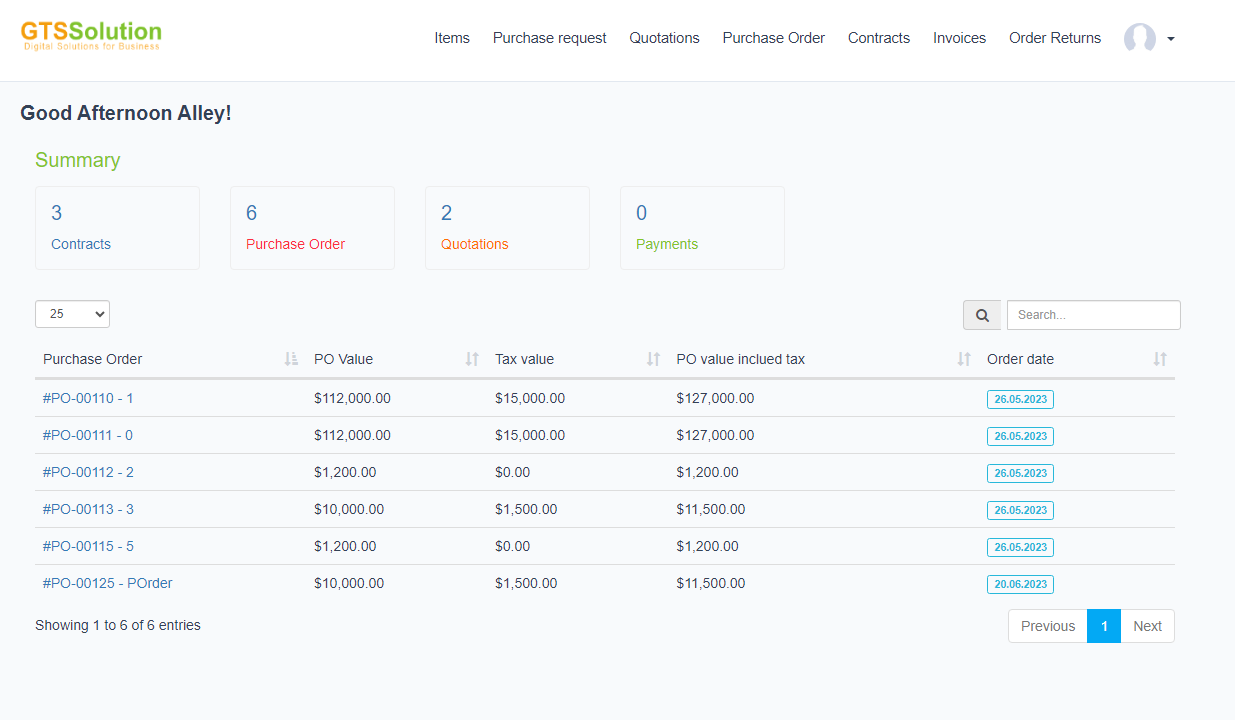
დაშბორდი
Statistics on the number of contracts, purchase orders, quotation.
ნივთები
Use to create item and share item for admin portal.The items on the Private items tab are items only this vendor can see.The items in the Public item tab are the items that have been shared with the admin portal or the items that have been assigned by the admin to the vendor.
To Create an items:
ნაბიჯი 1. Go to ნივთები -> Click დამატება New button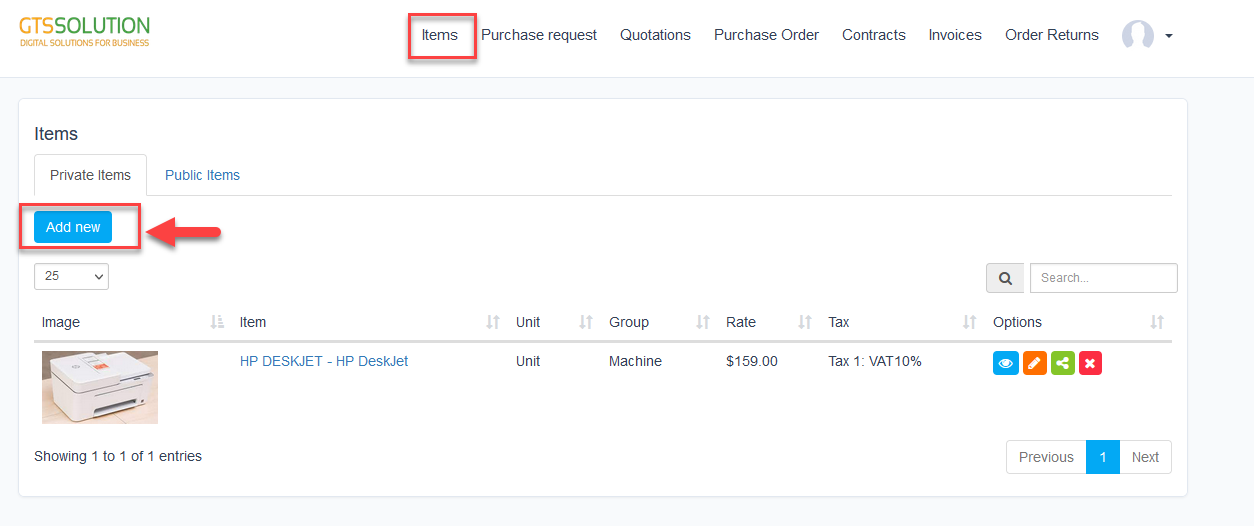 ნაბიჯი 2. Fill in the requested details and click შენახვა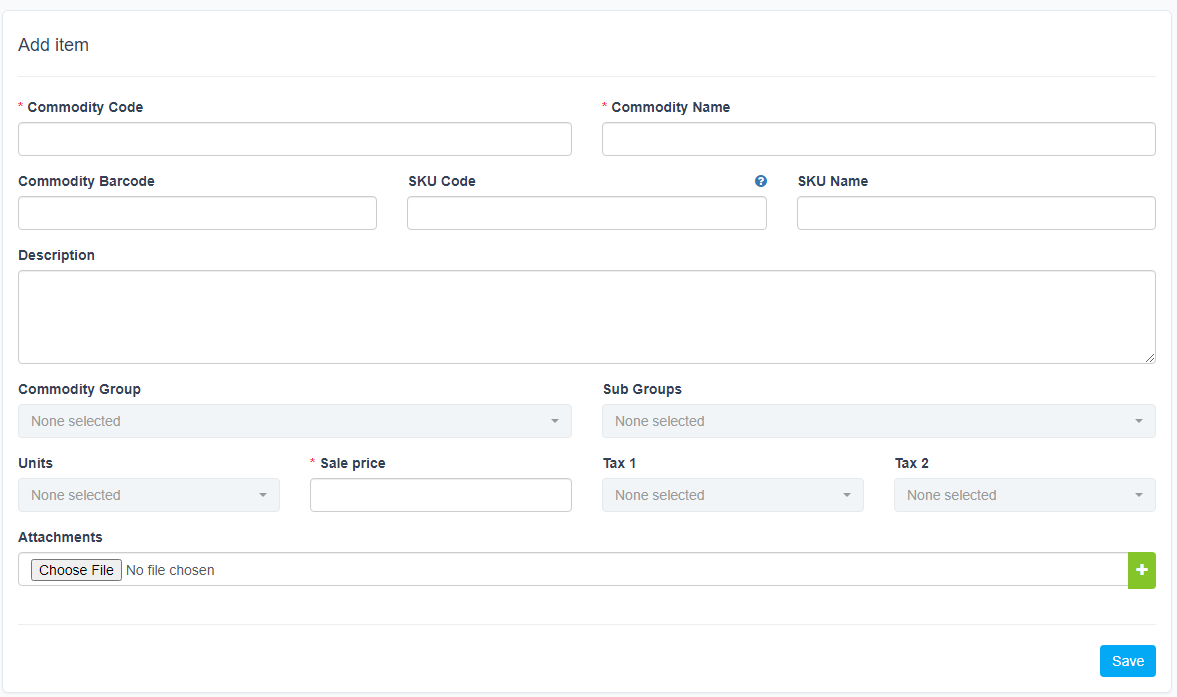
To edit the details of an existing item:
ნაბიჯი 1. Select the item and click
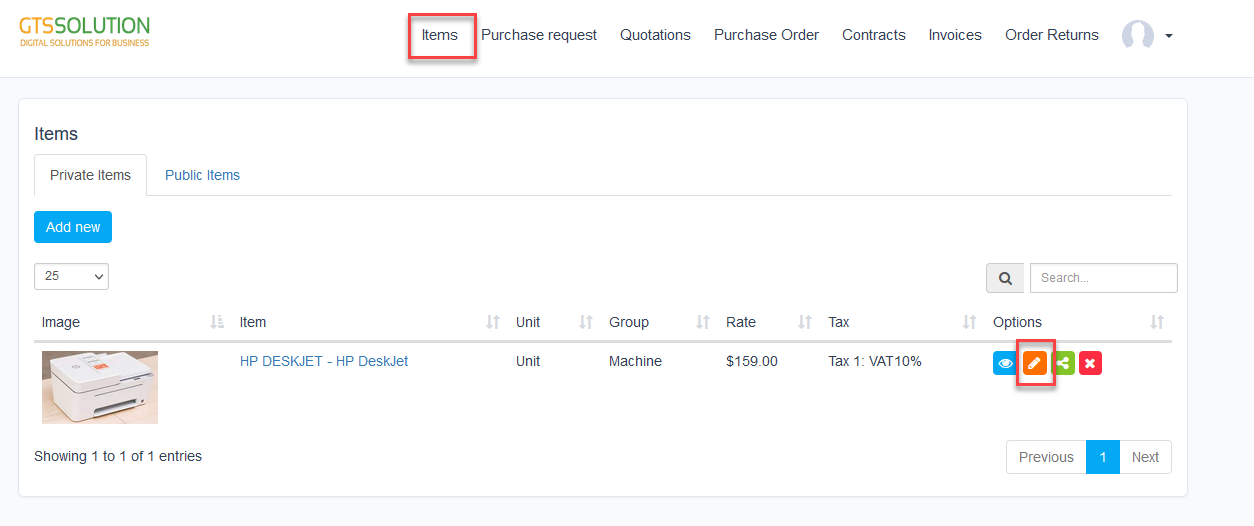 ნაბიჯი 2. Make the necessary changes and click შენახვა button
To delete the item
ნაბიჯი 1. Select the item and click
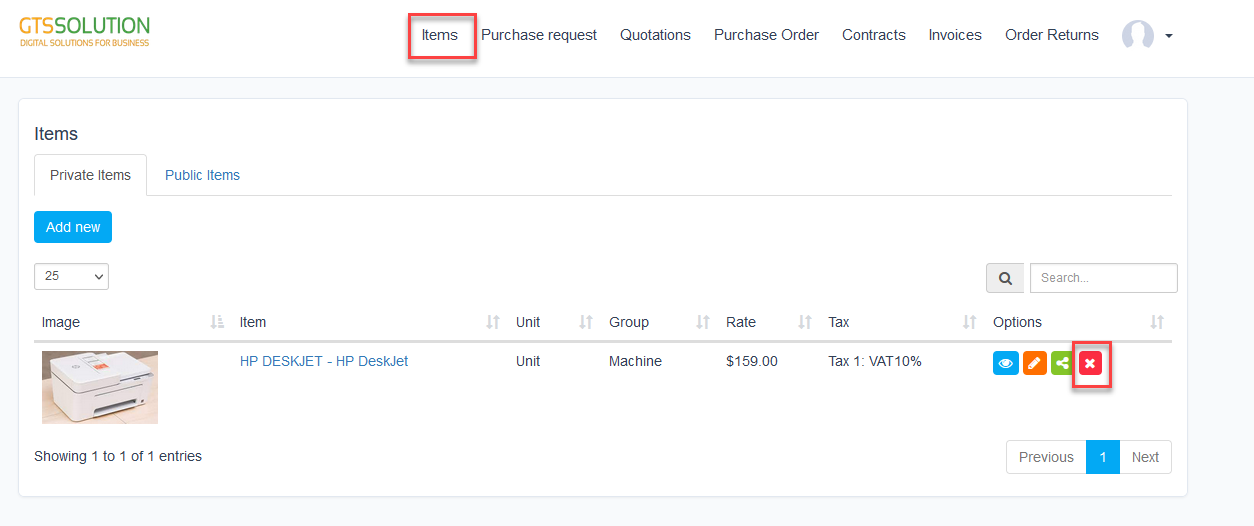 ნაბიჯი 2. Confirm your selection in the following pop-up. The item will be deleted.
 If the item has been shared to admin, after deleting, this item will only be deleted in the vendor portal, in the admin portal it will not be deleted
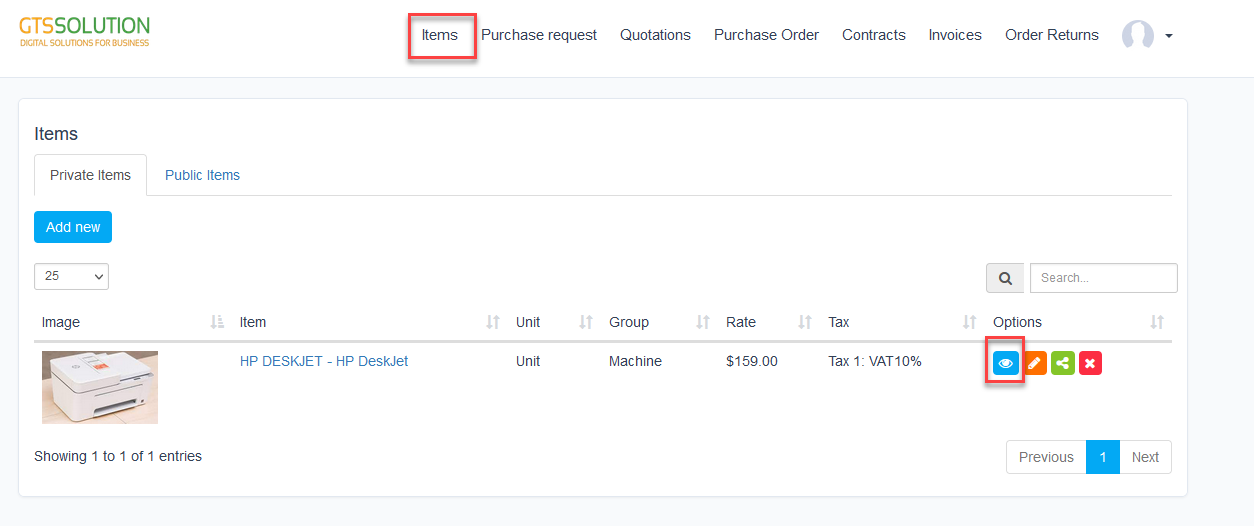
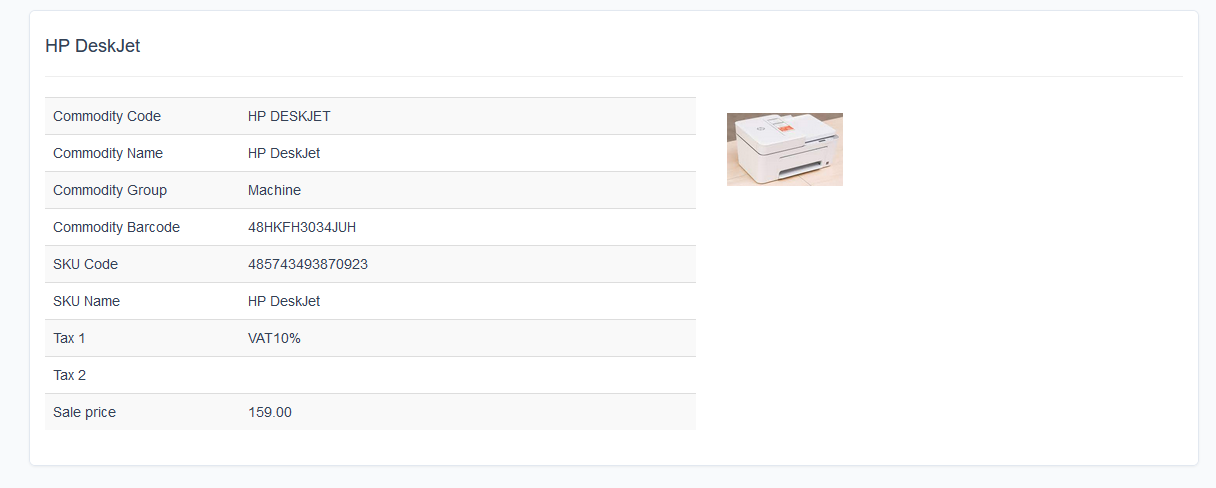
To view
ნაბიჯი 1. Select the item and click
Share item to admin
Select the item and click
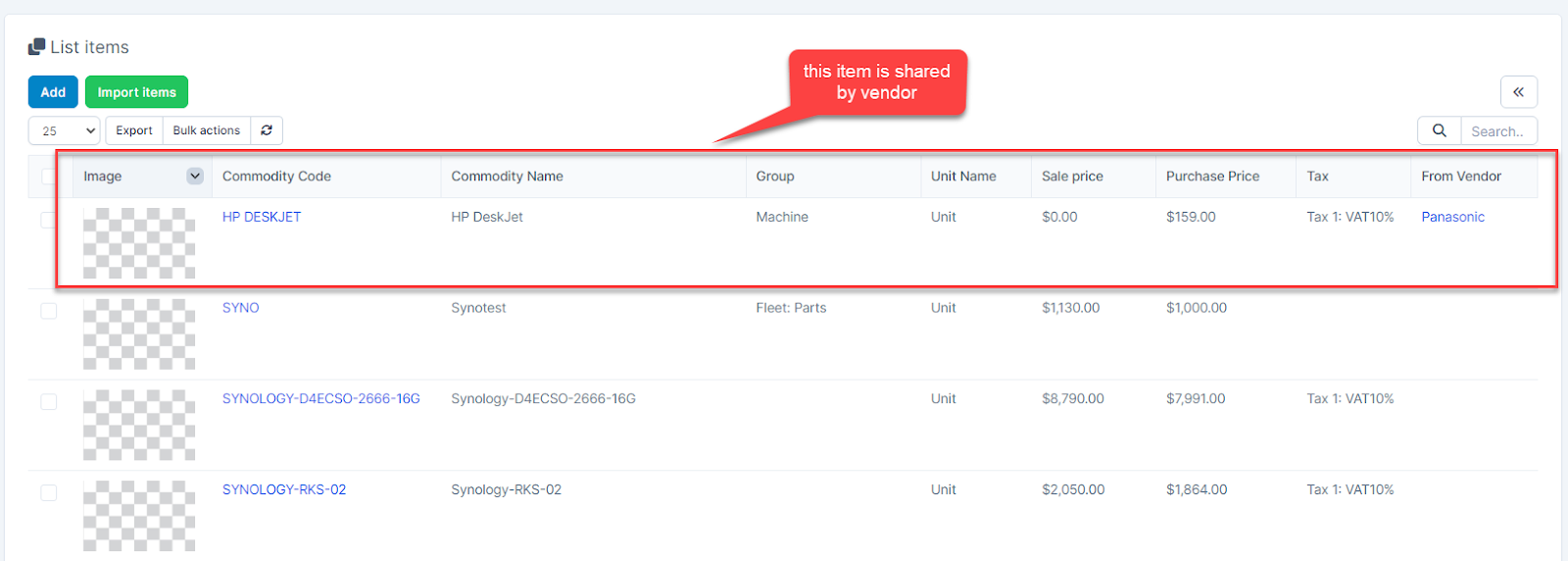
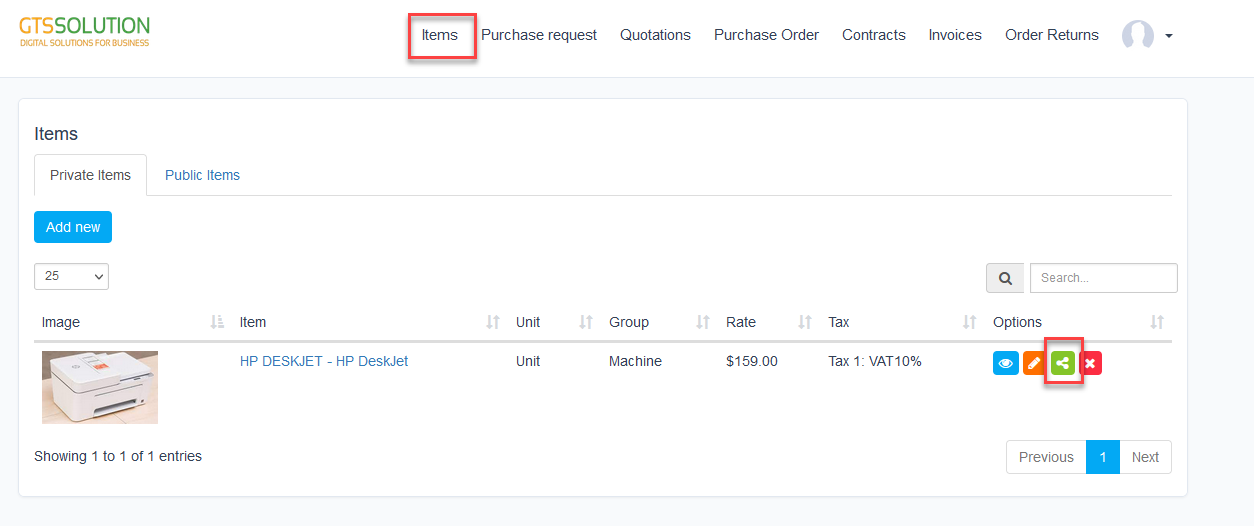 Item after being shared is displayed in the Public ნივთები tab of the vendor portal, the ნივთები menu and the მომწოდებელი-ნივთები menu of the admin portal.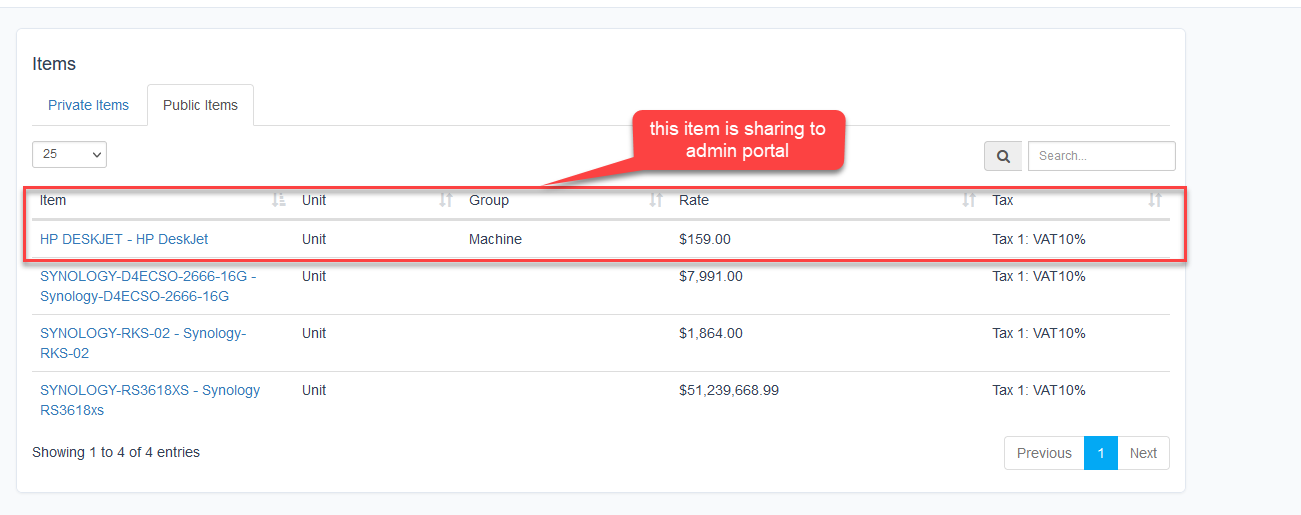
View შესყიდვები Request
ჩვენება shared purchase requests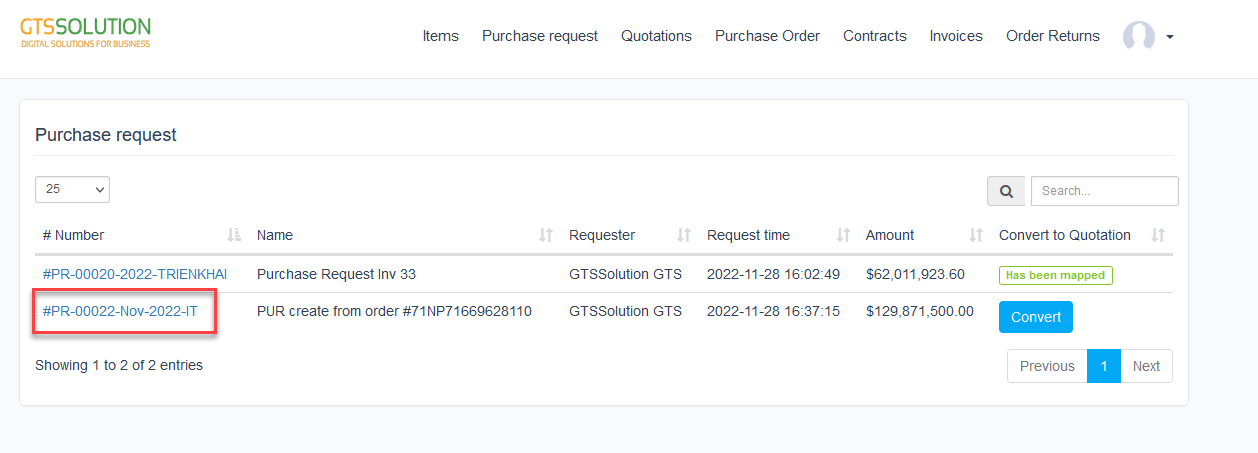 მომწოდებელი can attach files to a purchase request or convert to quotation
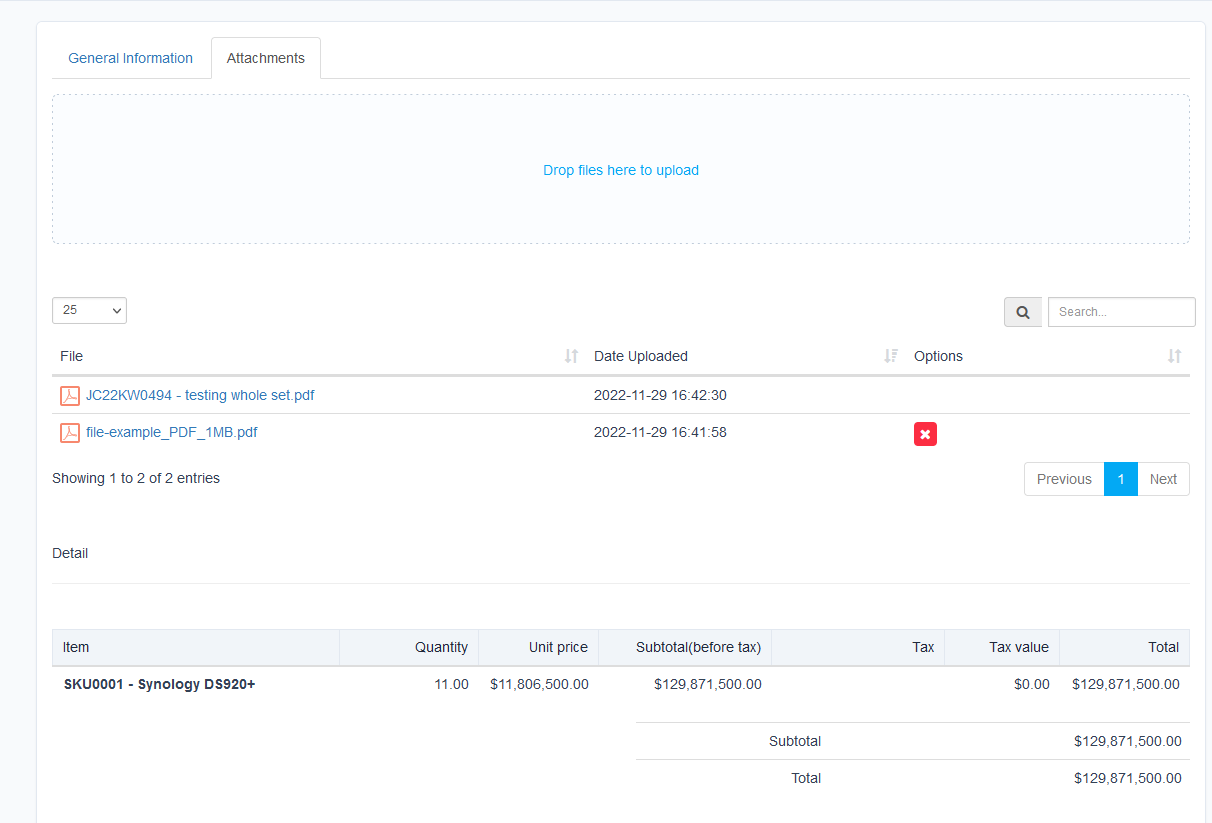 The company can also view the attachments added by the vendor. მომწოდებელიs can only delete their files
If a purchase request is shared with multiple vendors, the vendors can see each other's attachments.
The company can also view the attachments added by the vendor. მომწოდებელიs can only delete their files
If a purchase request is shared with multiple vendors, the vendors can see each other's attachments.
Create Quotations
ნაბიჯი 1. Go to Quotations menu -> click დამატება new button 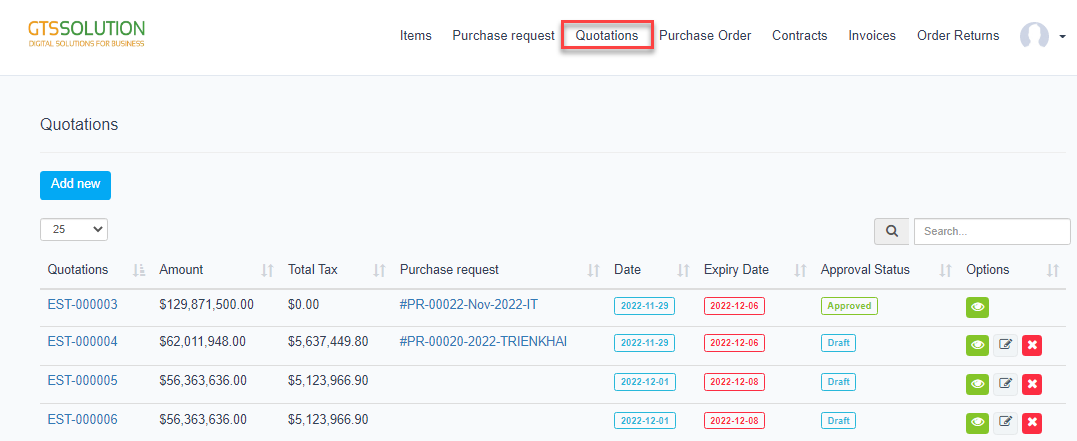 ნაბიჯი 2. Select the შესყიდვები request or available items, and fill in the requested details -> Click შენახვა
 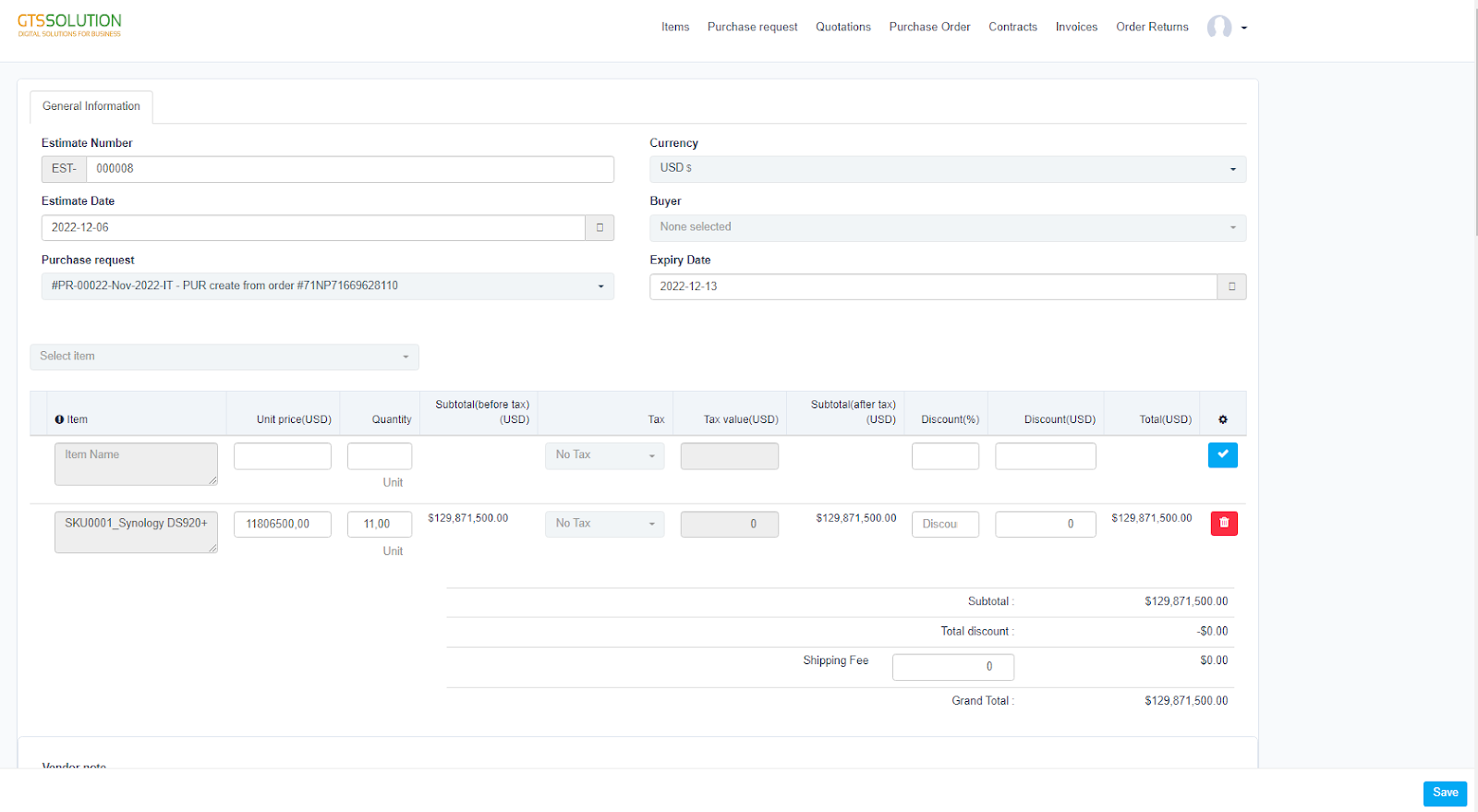 ⇒ after vendor successfully created quotation -> admin assign of vendor received notification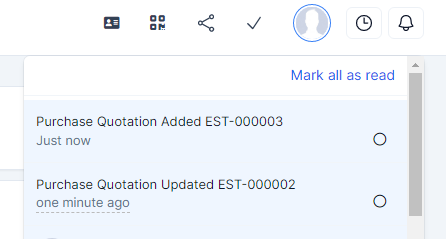
View შესყიდვები რიგითობა
მომწოდებელი can view შესყიდვები order details, attach files and discuss with admin portal. მომწოდებელი can confirm and update delivery date.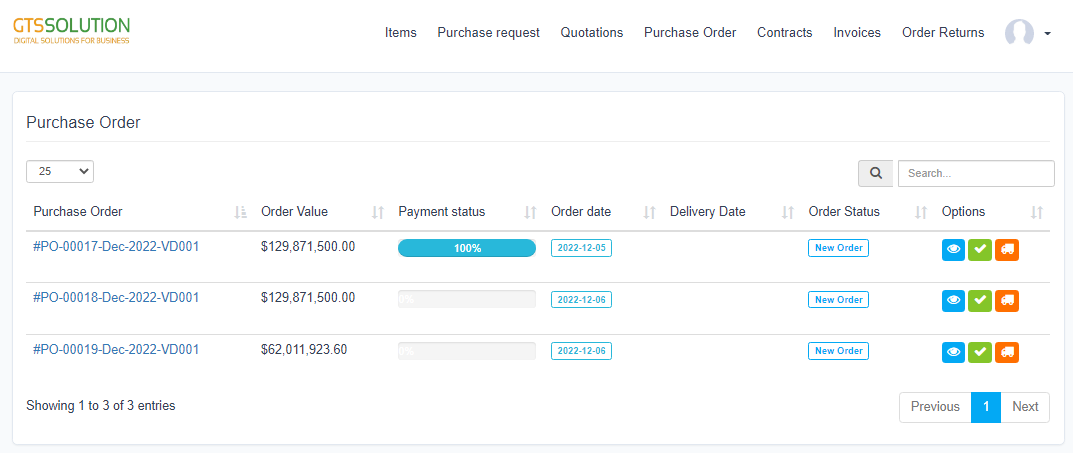
 If checked, the vendor accepts the purchase order and the terms and conditions of the purchase order
 Update delivery date.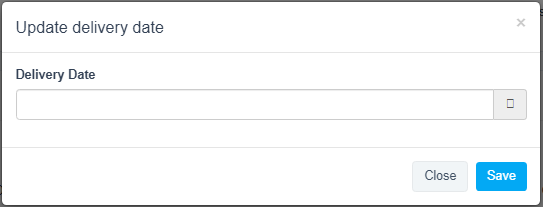
კონტრაქტი
Manage contracts created by admin portal and sign contracts. To sign contract ნაბიჯი 1. Go to contract detail -> click ხელმოწერა -> draw a signature and click ხელმოწერა