- ნაბიჯი 1. Go to admin portal
- ნაბიჯი 2. Go to the შესყიდვები module in the left sidebar and select პარამეტრები menu
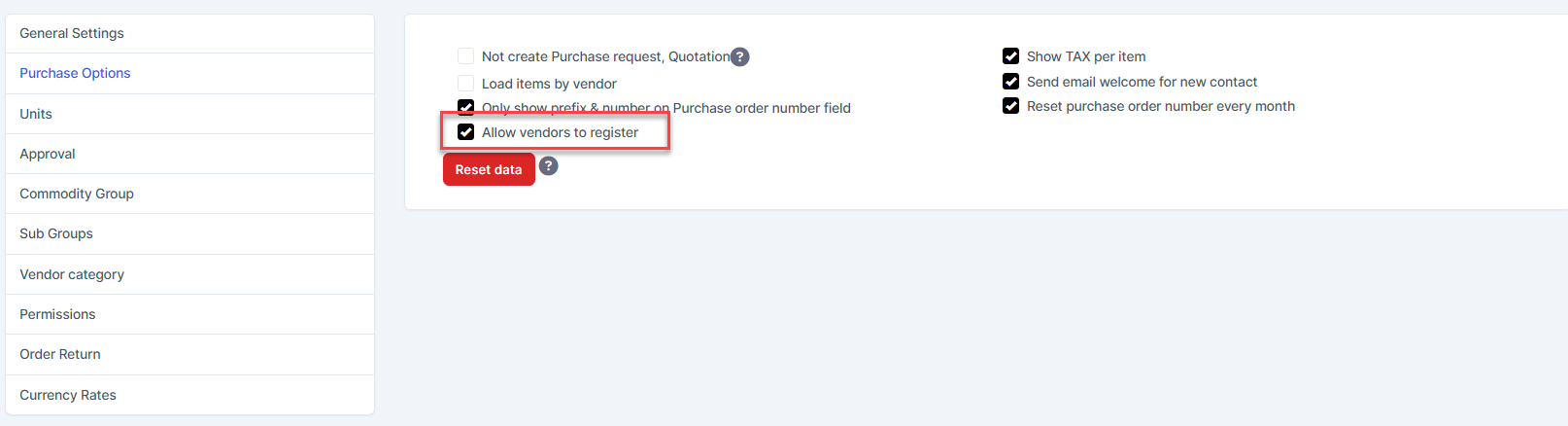
- ნაბიჯი 3. Select შესყიდვები Options menu -> Enable "Allow vendors to register"
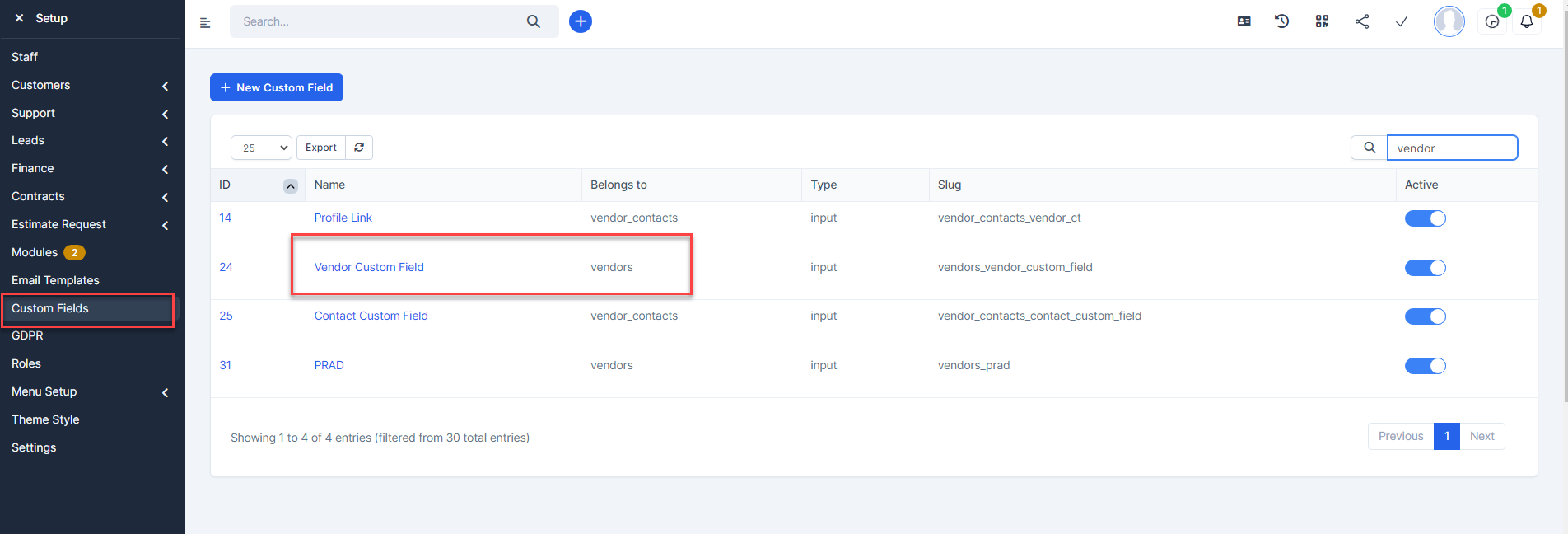
- ნაბიჯი 4. If we need to add some information to the registration form, we can create custom fields belong to vendors
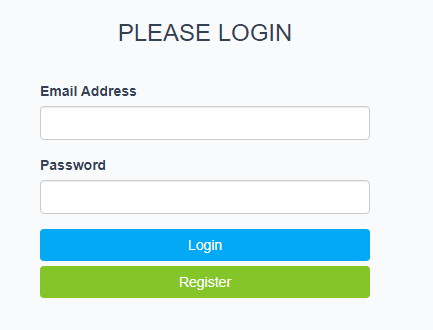
- ნაბიჯი 5. Go to vendor portal {your-domain}/purchase/authentication_vendor → click Register

 In the Register page, enter information in the fields → then check “I agree to the Terms & Conditions” → Then click Register
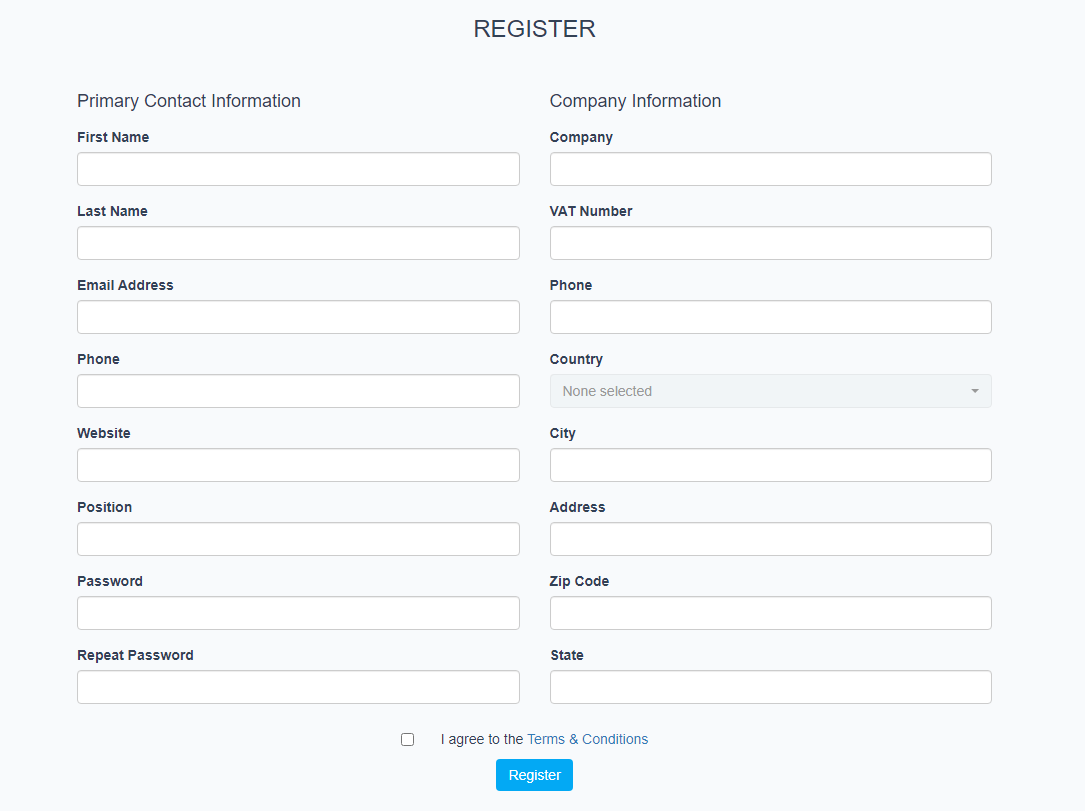 After successfully submitting the registration, wait for the admin's approval
 - ნაბიჯი 6. Go to მომწოდებელი menu -> Click Confirm registration to approve the vendor account registration request.
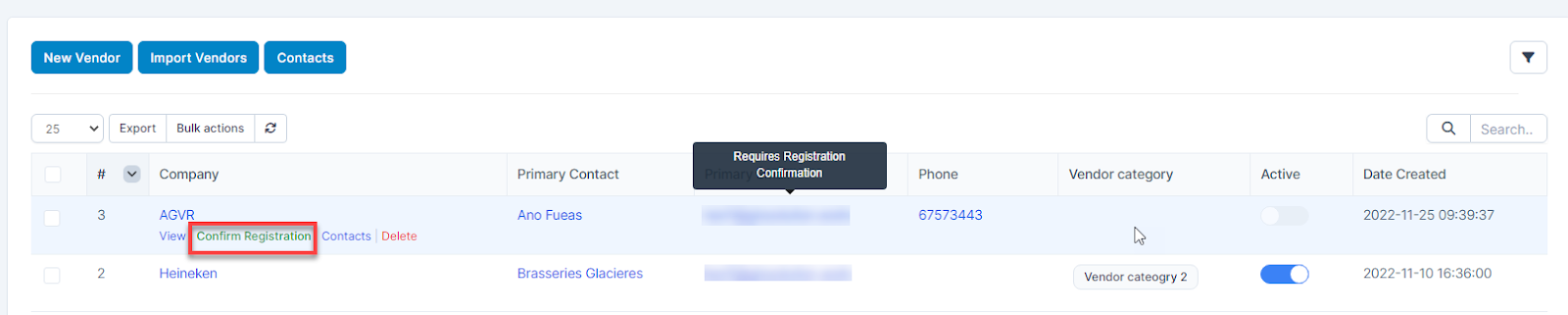 Or you can confirm in the account details
Or you can confirm in the account detals
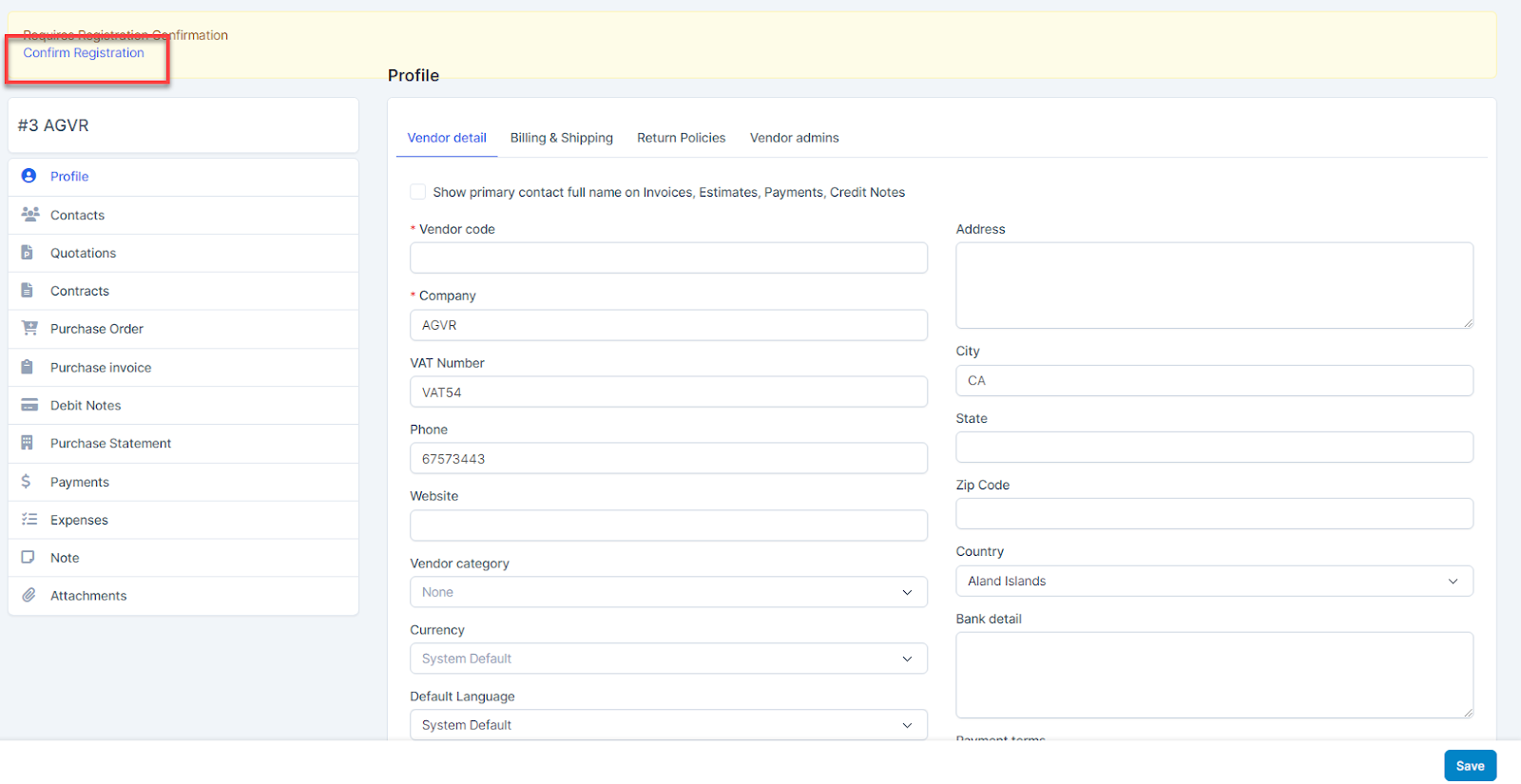
After being confirmed, this account will receive a confirmation email that the account has been activated.